


The latest from Benchmark Email
Tips, tricks, and best practices for the busy email marketer.
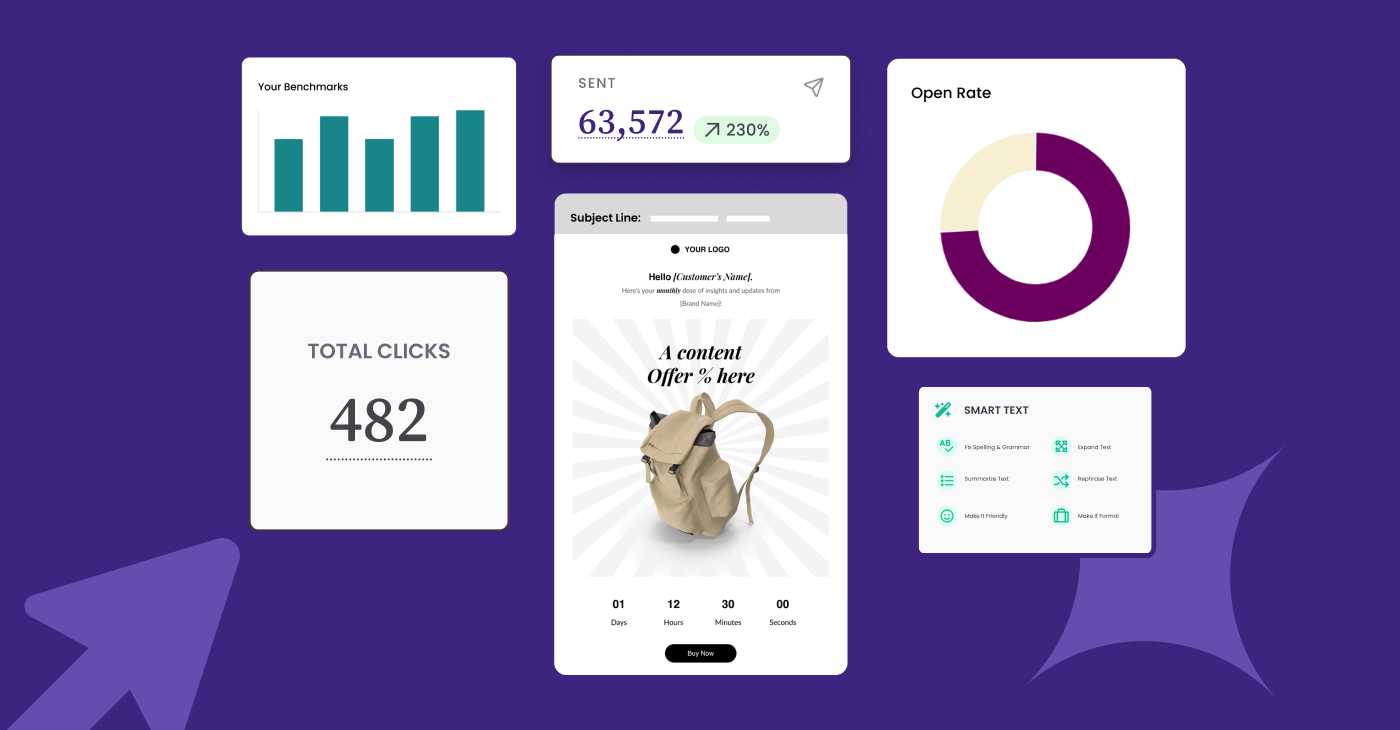
Email Marketing in 2026: What to Keep, What to Drop, What to Try
| January 20, 2026 2 min read
READ MORE
Latest Posts See all articles
Email Marketing Strategies
July 16, 2026 12 min read
How to Write Welcome Emails That Turn Subscribers into Leads
July 16, 2026 12 min read

Ethical Marketing Practices
July 15, 2026 6 min read
The New Email Deliverability Rules: What Small Businesses Need to Know
July 15, 2026 6 min read
Email Design
July 9, 2026 9 min read
Email Design Trends: What Catches the Subscriber’s Eye in 2026?
July 9, 2026 9 min read
Time Management & Productivity
July 7, 2026 6 min read
Boost Your Business with the Best Email Marketing Platform
July 7, 2026 6 min read

Work Smarter, Not Harder
Create emails in a snap with our AI-powered email copy tool. Try it for free with a free Benchmark Email account.
SIGN UP FREE
Trending Posts See all articles
Social Media Marketing
January 8, 2026 4 min read
6 Ways to Use Social Media in Your Email Marketing Campaign
January 8, 2026 4 min read
Customer Engagement & Retention
December 11, 2025 3 min read
How to Make your Marketing Emails More Clickable with Interactive Content
December 11, 2025 3 min read
Ethical Marketing Practices
August 20, 2025 6 min read
Is Your Email Blacklisted? Here’s How to Find Out
August 20, 2025 6 min read
Benchmark Recommends
See all articles
Email Marketing Strategies
How to Write Welcome Emails That Turn Subscribers into Leads
| July 16, 2026 12 min read
Ethical Marketing Practices
The New Email Deliverability Rules: What Small Businesses Need to Know
| July 15, 2026 6 min read
Customer Engagement & Retention
Re-Engage Subscribers With These 5 Emails
| July 14, 2026 6 min read
