
Start From a Template
Pick a ready-made layout and make it yours in the drag-and-drop builder, or start from a blank canvas.

Sign Up Forms
Getting new subscribers shouldn’t feel like rocket science. Ready-made templates, a drag-&-drop designer and customizable form fields take the pain out of building sign-up forms.
Build Your First Form Free (opens in new tab)


Pick a ready-made layout and make it yours in the drag-and-drop builder, or start from a blank canvas.

Pull in fields from your Benchmark Email contact database. Email, first name, company, custom fields. You choose what you collect.

New subscribers land in the right list with the right tags the moment they hit submit. No CSV exports, no manual imports.

Fraud Protection Built In / Google reCAPTCHA is on by default for every form. Bots stay out. People get in.
Capture new sign-ups wherever they meet you.
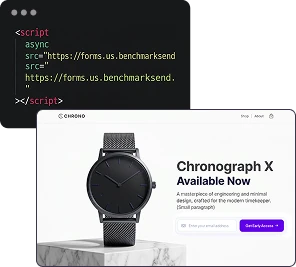
Paste the code anywhere on your site and the form lives right in the page. Good for footers, sidebars, and blog posts.
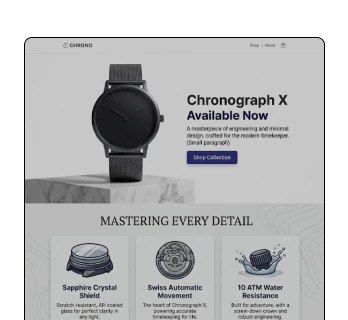
Most visitors leave without signing up. A popup catches them at the right moment: on page load or after a delay. You control how often it shows and what happens after someone signs up.
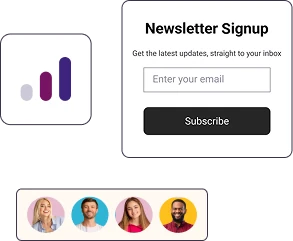
No website? No problem. Benchmark hosts your form on its own page with a link you can share on social, in your bio, or in a DM. New subscribers, no embed code required.
Start with a template or a blank canvas, then add the form fields you want from your contact database. Add your privacy language, and write the confirmation message. Everything you need to make it yours.
Sign Up Free

Choose which list new subscribers get added to, and assign tags so they're segmented from the start. No extra steps on your end. They sign up, they're in, they're tagged. Done.
Sign Up FreeOnce your form is ready, add the embed code to your website or share the form link. Need to change something later? Edit the form in Benchmark and every version updates on its own. No re-pasting, no re-sharing.
Sign Up Free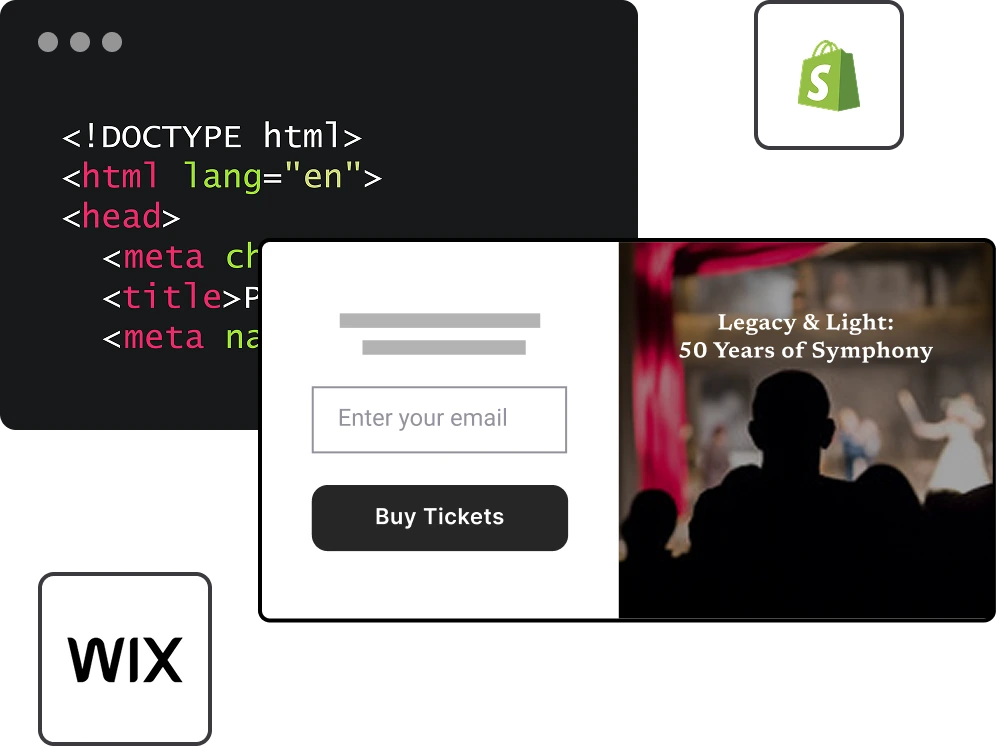
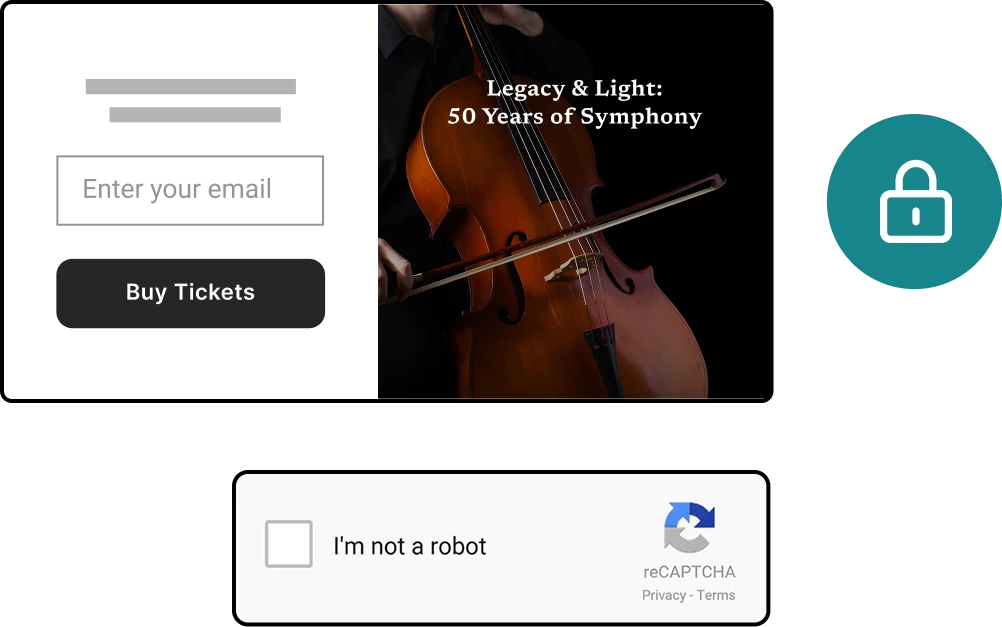
Google reCAPTCHA is available on every form you create. Switch it on so that real subscribers get through and spam bots don't.
Sign Up Free

Choose embedded, popup, or form page, then pick a template or design on a blank canvas.

Drag and drop fields from your contact database onto the form canvas. Arrange them however you like.

Pick which list new subscribers get added to. Set tags to segment them automatically.

Grab your embed code, set your popup display rules, or copy your link.

Subscribers start rolling in. reCAPTCHA keeps the bots out so your list stays clean.
WordPress. Shopify. Wix. Squarespace. Webflow. Any site with an HTML editor. If it can take a code snippet, it can take your form.


Yes, they do. When someone fills out your form, they land in the list you configured with any tags you set up. No imports, no manual steps, no extra tools.
If your platform accepts HTML, yes. That includes WordPress, Shopify, Wix, Squarespace, Webflow, and pretty much everywhere else. And if you don't have a website, a Form Page gives you a link to share instead.
Yes. Google reCAPTCHA is on by default for every form, so bots and fake submissions are blocked without you configuring anything. You can turn it off for a specific form if you need to.
Yes. Pick a template and customize it in the drag-and-drop builder, or start from scratch. Either way you're editing, not staring at a blank page.
Yes. Choose where the popup appears, whether it shows on page load or after a delay, and how often each visitor sees it.
Yes. Create a Form Page and Benchmark hosts it for you. Share the link on social, in your email signature, or anywhere else people find you.