


The latest from Benchmark Email
Tips, tricks, and best practices for the busy email marketer.
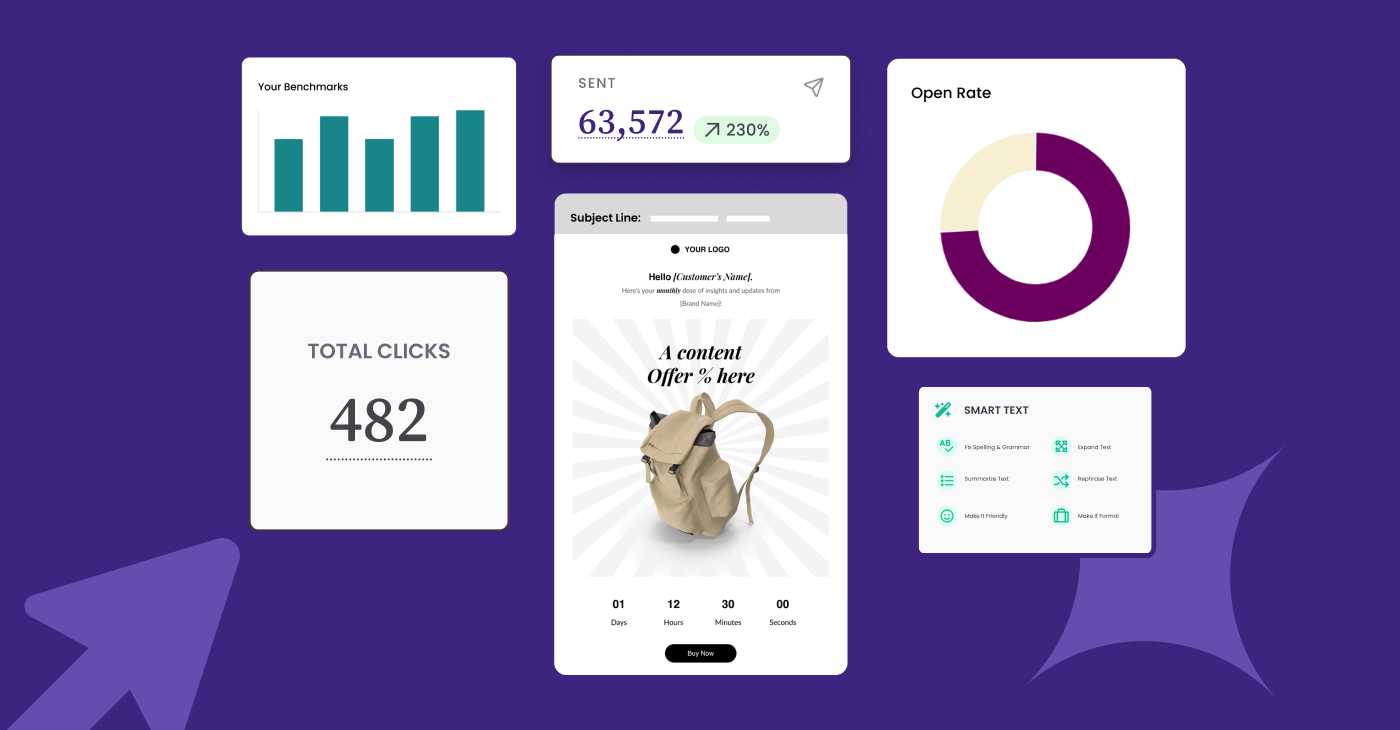
Email Marketing in 2026: What to Keep, What to Drop, What to Try
| January 20, 2026 2 min read
READ MORE
Latest Posts See all articles
Benchmark Recommends
April 23, 2026 6 min read
Email Segmentation 101: What it is and How to Put it in Practice
April 23, 2026 6 min read
Social Media Marketing
April 22, 2026 6 min read
How to Build a Month of Social Content from One Email Campaign
April 22, 2026 6 min read
Benchmark Recommends
April 16, 2026 7 min read
How To Manage Your Email Campaigns for Ultimate Success
April 16, 2026 7 min read
Benchmark Recommends
April 15, 2026 6 min read
Everything You Can Do With Benchmark Email’s Free Plan (Spoiler: It’s a Lot)
April 15, 2026 6 min read

Work Smarter, Not Harder
Create emails in a snap with our AI-powered email copy tool. Try it for free with a free Benchmark Email account.
SIGN UP FREE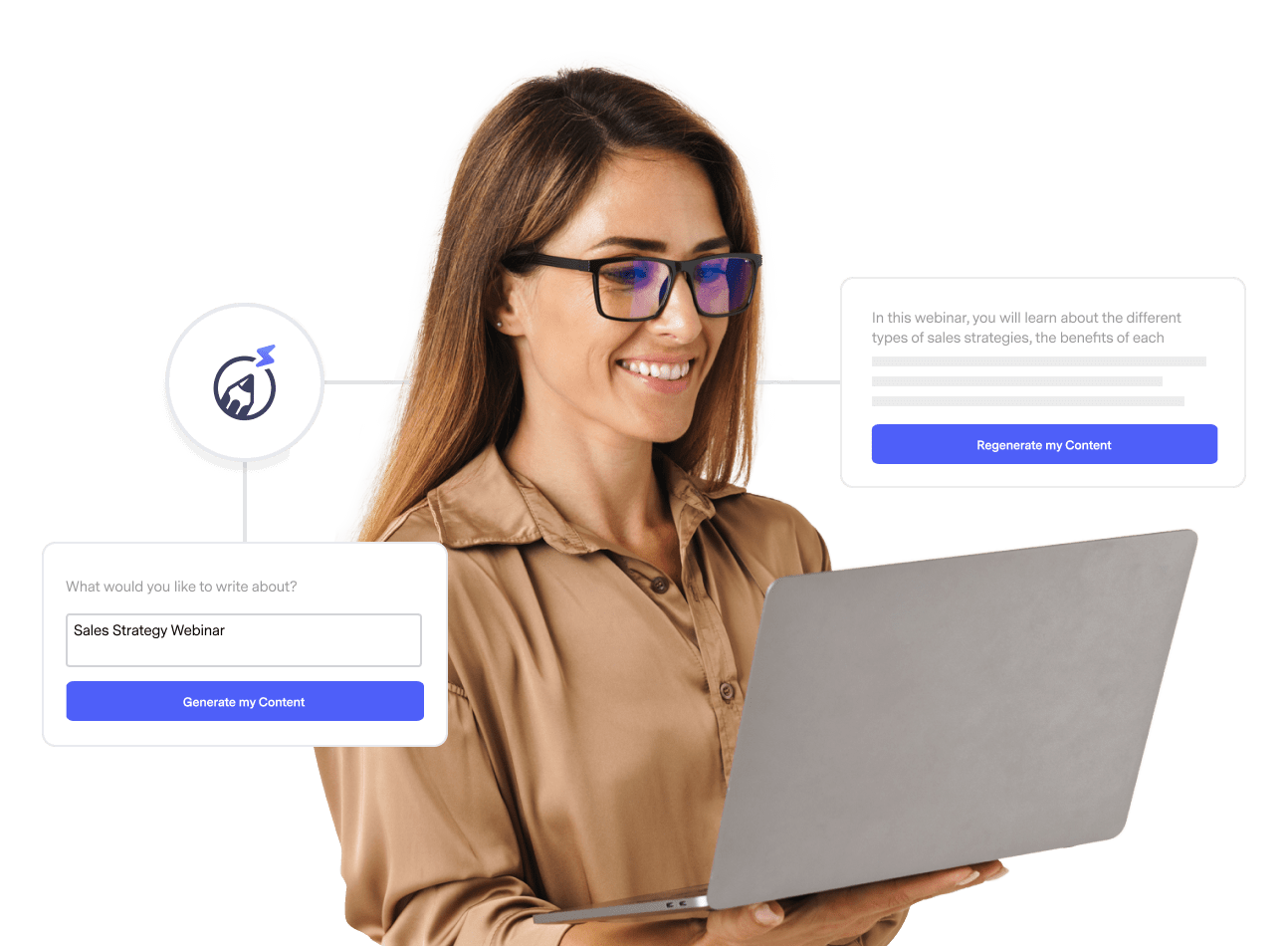
Trending Posts See all articles
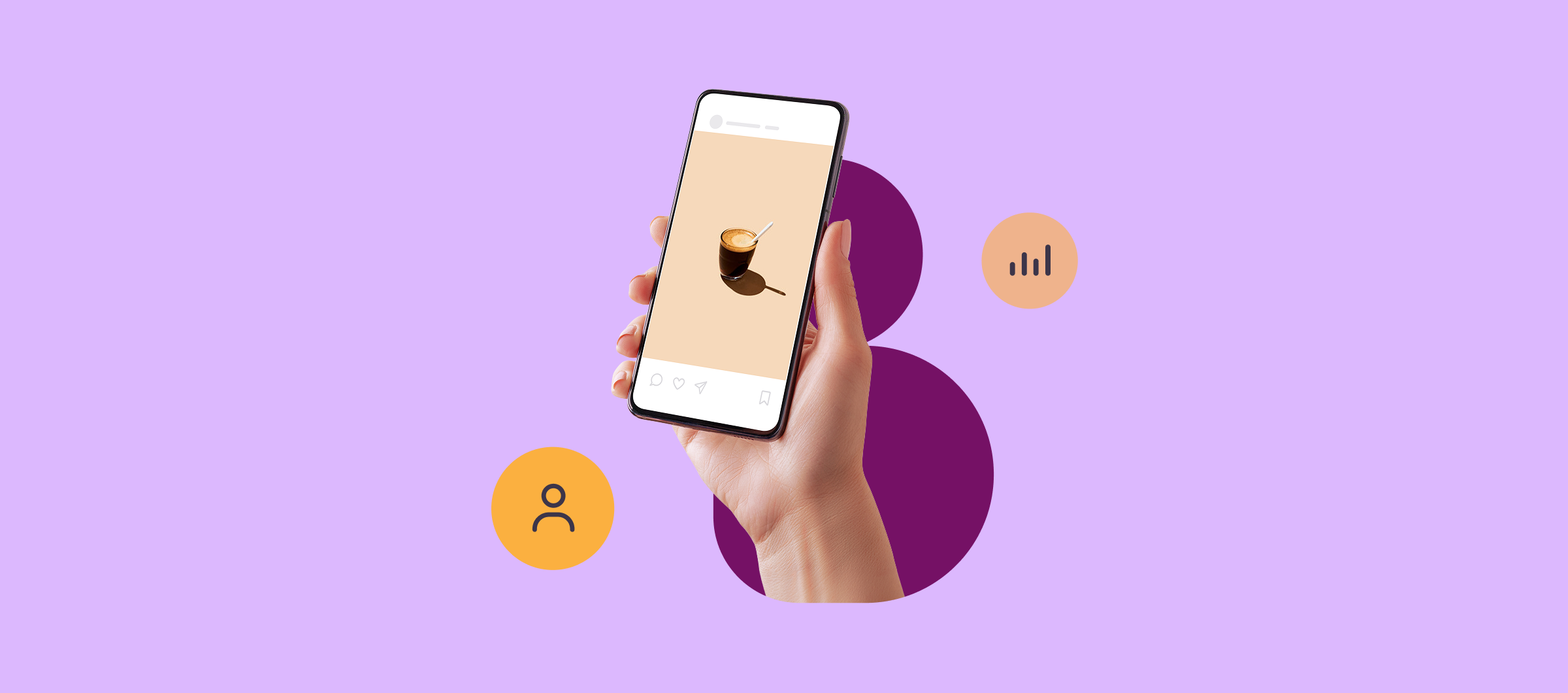
Social Media Marketing
January 8, 2026 4 min read
6 Ways to Use Social Media in Your Email Marketing Campaign
January 8, 2026 4 min read
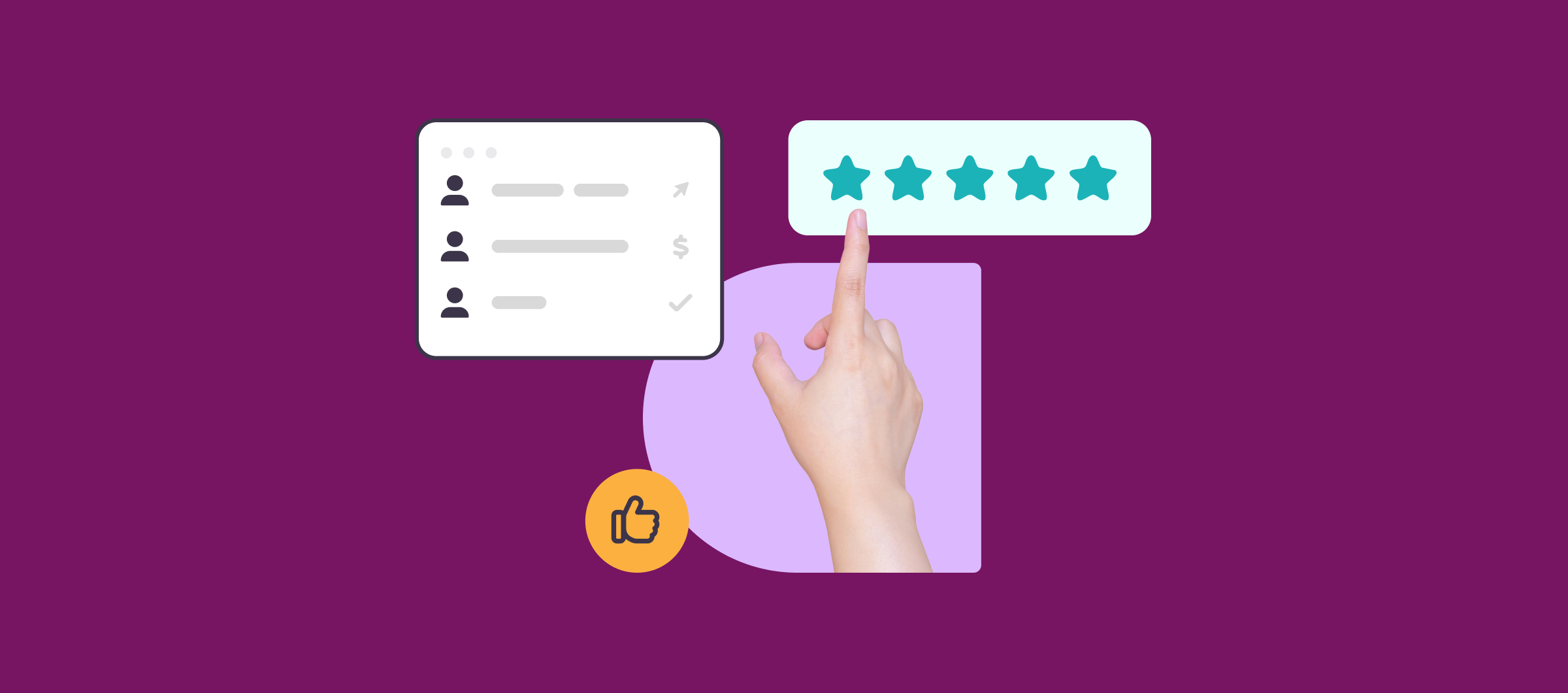
Customer Engagement & Retention
December 11, 2025 3 min read
How to Make your Marketing Emails More Clickable with Interactive Content
December 11, 2025 3 min read
Ethical Marketing Practices
August 20, 2025 6 min read
Is Your Email Blacklisted? Here’s How to Find Out
August 20, 2025 6 min read
Benchmark Recommends
See all articles
Benchmark Recommends
Email Segmentation 101: What it is and How to Put it in Practice
| April 23, 2026 6 min read
Social Media Marketing
How to Build a Month of Social Content from One Email Campaign
| April 22, 2026 6 min read
