


Mailchimp Pricing in 2026: What’s Changing and What to Do About It

If you got an email from Mailchimp recently about a pricing update, you’re not imagining things. They’re raising prices again, effective April 13, 2026. Before you shrug and forget about it, it’s worth taking five minutes to understand what’s actually changing and whether it affects your account.
Let’s break down what you need to know and what actions you can take to prevent a surprise increase in your email marketing budget.
What Mailchimp Is Changing in April 2026
The April increase targets the legacy plan users. That means people who created their Mailchimp account before May 2019 and never migrated to a newer pricing tier (Essentials, Standard, or Premium). If that’s you, prices on your plan are going up an average of 11–13% starting with your first billing cycle after April 13.
If you’re already on a current plan, this particular change doesn’t affect you directly. That said, Mailchimp has raised prices on everyone at various points. This is just the latest round.
For context, this is the second pricing adjustment in three months. In January 2026, Mailchimp cut the free plan from 500 contacts and 1,000 sends per month down to 250 contacts and 500 sends. That’s a steep drop for anyone on the free tier who’s trying to keep in touch with a growing list.
Quick tip if you’re on a legacy plan: Before paying the higher price, log in to Mailchimp and review your contact list. If you have a lot of unsubscribed or unengaged contacts sitting in there, archiving them could bring your contact count down far enough to offset the increase, or even drop you to a cheaper tier entirely.
Mailchimp’s current plans, explained
Here’s how the four plans break down. The prices below reflect approximate post-April figures based on the confirmed 11–13% increase. Verify the exact numbers on Mailchimp’s pricing page before making any decisions.
| Plan | Starting Price (post-April, est.) | Contacts | Monthly Sends |
| Free | $0 | 250 | 500 |
| Essentials | ~$14–15/month | 500 | 5,000 |
| Standard | ~$22–23/month | 500 | 6,000 |
| Premium | ~$390–400/month | 10,000 | 150,000+ |
Prices scale up as your contact count grows, so the figures above are entry-level starting points. A 5,000-contact list on the Standard plan, for example, runs significantly higher.
The hidden costs worth knowing about
The listed price isn’t always what you pay. A few things that can push your actual bill higher:
According to Mailchimp’s own pricing documentation, unsubscribed contacts count toward your plan limit. Subscribed, non-subscribed, and unsubscribed contacts all count equally. Even if someone opted out years ago and can never be emailed, they still take up a slot. If you’ve never cleaned your list, you might be paying for stale contacts who will never receive an email or generate revenue for your business.
Duplicates across audiences count separately. If the same person appears in two different Mailchimp audiences, they count twice. That surprises a lot of people.
Transactional emails and SMS are add-ons and not included in the base plan price. If you use either of those, budget accordingly.
Add it up, and it’s not unusual for your actual monthly spend to run 20–40% above the plan’s starting price.
What this means, depending on where you are
- Just starting out. The free plan is now 250 contacts and 500 sends per month, with a daily limit of 250. For someone with a tiny list who sends once a month, it might still work. For most small businesses trying to build momentum, it’s going to feel cramped fast.
- Running a small business, sending occasionally. If you have a few hundred to a few thousand contacts and send newsletters or promotions a few times a month, the Essentials or Standard plan is probably right for you. Do the math at your actual list size. Mailchimp’s pricing page has a contact-based calculator.
- Sending at a higher volume. Premium starts at around $390/month post-increase for 10,000 contacts. For most small businesses, that’s a lot of money to spend on email marketing. If you’re at this tier, it’s definitely worth a comparison shop.
Is Mailchimp Still Worth It?
Honestly, it depends on how you’re using it.
Mailchimp has real strengths. It’s been around a long time, the interface is familiar, and it integrates with a lot of tools. If you’ve had the same account for years and everything just works, there’s something to be said for not changing what isn’t broken.
But Mailchimp has also gotten more expensive and more complicated over time. The billing for unsubscribed contacts is a genuine nuisance. The free plan has been cut so many times that it’s barely useful for a real business anymore. And if you’re a small business owner who just needs to send emails and get on with your day, some of the platform’s complexity is solving problems you don’t have.
Smaller List, Bigger Impact: Why Removing Unengaged Subscribers Boosts Email Performance
DOWNLOAD NOWHere’s a simple framework:
Mailchimp probably still makes sense if you’re on a current paid plan, your list is clean, and the price feels fair for what you’re getting. Switching always has a cost in time and learning curve.
It might be time to look around if you’re on a legacy plan, getting hit with this increase, paying for contacts that are mostly unsubscribed, or finding yourself confused by the platform more than once and not really using most of what you’re paying for.
The price increase is a natural moment to evaluate. You don’t have to act on it, but it’s worth a 20-minute comparison before April 13.
4 Mailchimp Alternatives Worth Considering
If you decide to look around, here are four platforms worth considering. The goal is to give you one or two realistic options to compare, not to send you down a 12-tab research spiral.
Benchmark Email

Best for: Small business owners who want email marketing to just work, without the complexity or the surprise bills.
Benchmark Email was built for exactly this situation. You’re not a professional marketer. You don’t want to spend hours figuring out a platform. You want to write an email, send it to your list, and move on. Benchmark is set up to make that happen. Most users send their first campaign in under 30 minutes.
A few things that stand out for people coming from Mailchimp:
Every plan includes all the features. There’s no Benchmark version that charges more to access A/B testing or automation. You get everything from day one. Pricing starts at $19/month for 1,000 contacts and scales only with list size.
The free plan is more generous than Mailchimp’s current offering. You get 500 contacts and 2,500 sends per month, with no credit card required. Full features, no time limit.
When something goes wrong, or you have a question, real people answer. The support team is available 24/7 by live chat and email. Real email marketing experts, not a bot or a help forum.
If Mailchimp’s price increase is the nudge you needed to look around, Benchmark Email is worth 20 minutes of your time. Start free, no credit card required.
Brevo (formerly Sendinblue)
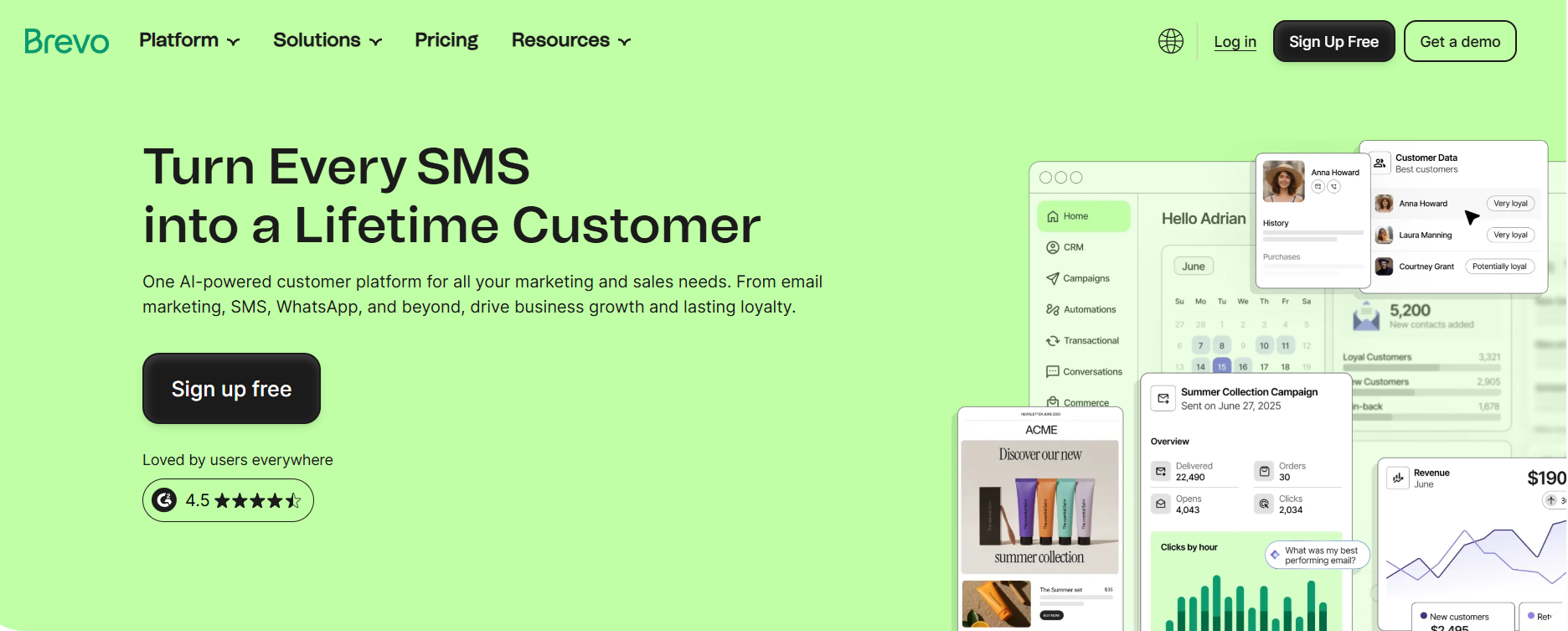
Best for: Businesses that want email, SMS, and basic CRM in one place.
Brevo has become a solid all-in-one option for small businesses. It’s priced on emails sent rather than contacts stored, which works in your favor if you have a large list but don’t email everyone every month. The free plan includes 300 emails per day with unlimited contact storage.
Compared to Mailchimp, Brevo tends to be cheaper at mid-list sizes and includes SMS and a basic CRM on most plans. The trade-off is a steeper learning curve and a less polished template library.
MailerLite
Best for: Small businesses and creators who want clean, simple email marketing at a low price.
MailerLite has a loyal following among small business owners and independent creators for good reason: it’s clean, reasonably priced, and doesn’t try to do too much. The free plan covers 1,000 subscribers and 12,000 sends per month, significantly more room than Mailchimp’s current free tier, which is capped at just 250 contacts and 500 sends.
Paid plans start at $9/month. The feature set is solid: automations, landing pages, A/B testing, and pop-up forms are all included. It’s a bit less powerful than Mailchimp at the high end, but for most small businesses, you won’t notice the difference.
Moosend
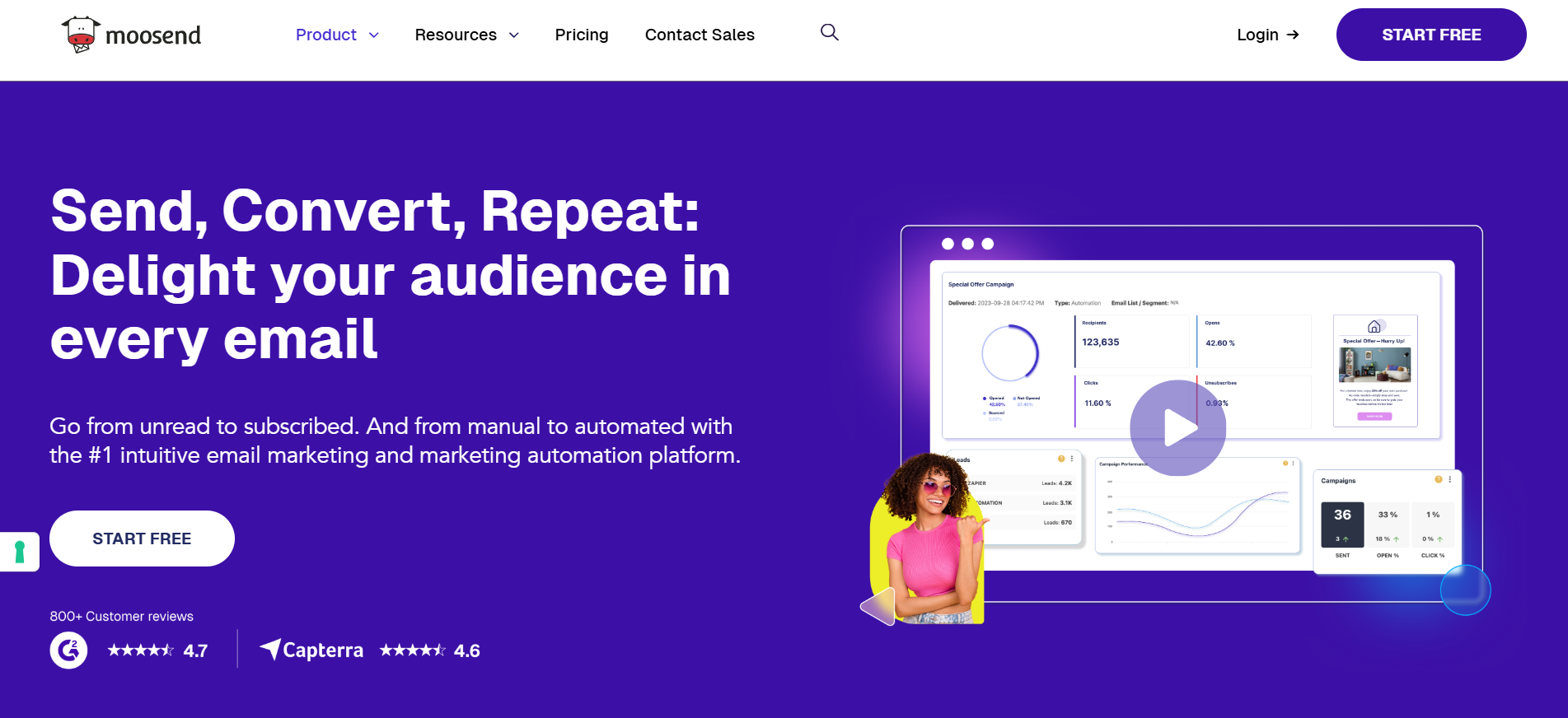
Best for: Small businesses that want robust automation without paying a premium.
Moosend is one of the more affordable options in this space. Paid plans start at $9/month for up to 500 subscribers, and the automation tools are genuinely good for the price. If you want to set up welcome sequences, re-engagement campaigns, or cart abandonment flows, Moosend punches above its weight.
The free trial is 30 days, then it’s paid-only. Worth knowing before you start building.
How to Switch from Mailchimp to Benchmark Email
If you decide to move, here’s the basic process. It’s less complicated than it sounds.
Step 1: Export your Mailchimp list. Go to Audience > All Contacts > Export Audience. Mailchimp will send you a CSV file with your subscriber data.
Step 2: Clean it up first. Before you import anywhere, open the file and remove unsubscribed contacts. You’ll save money and start with a cleaner list.
Step 3: Import into Benchmark Email. Sign up for a free account, go to Contacts > Import, and upload your CSV. Benchmark will walk you through mapping your fields. Takes about 10 minutes.
Step 4: Rebuild your templates and automations. Your email templates don’t transfer, but Benchmark has 200+ templates to work from. Your automations will need to be recreated. For most small business owners who aren’t running complex sequences, this takes under an hour.
Step 5: Send a test. Before you cancel Mailchimp, send a test campaign and make sure everything looks right.
That’s it. Most people complete the switch in an afternoon.
Frequently asked questions
Why is Mailchimp raising prices?
Mailchimp has been owned by Intuit since 2021, and the company has raised prices and reduced the limits of its free plan several times since the acquisition. The April 2026 increase targets legacy plan users who were grandfathered into old pricing. It’s the second change in 2026 after January’s free plan cuts.
Does the April increase affect my account?
It affects you if your account was created before May 2019 and you’ve never migrated to a current Essentials, Standard, or Premium plan. Log in to your account and check your plan details to confirm.
Is the Mailchimp free plan still worth using?
For most small businesses, probably not. It’s now capped at 250 contacts and 500 sends per month. If you have more than a couple of hundred contacts or send more than a few times a month, you’ll hit the limit quickly. Benchmark Email’s free plan offers 500 contacts and 2,500 sends, which better fits most small businesses.
What’s the cheapest way to stay on Mailchimp?
If you’re on a legacy plan, migrating to the Essentials tier and cleaning your contact list first will give you the most control over cost. The Essentials plan starts around $14–15/month post-increase for 500 contacts.
What’s the best Mailchimp alternative for a small business?
It depends on what you need. If simplicity and price are the priority, Benchmark Email and MailerLite are both solid options. If you want email and SMS in one tool, Brevo is worth a look.
Can I take my Mailchimp contacts with me?
Yes. You own your contact list. Mailchimp lets you export it as a CSV at any time, and every major email platform lets you import that file.
Where to Go From Here
If Mailchimp’s pricing is working for you, there’s no urgent reason to change anything. But if this increase made you realize you’ve never actually looked at your options, now’s a reasonable time to do it.
Benchmark Email has a free plan with 500 contacts and 2,500 sends per month. No credit card required. It takes about 30 minutes to set up and get a campaign out the door. Worth trying before you pay the higher Mailchimp bill.

Sign up for a free Benchmark Email account today!
SIGN UP FREEAbout the Author:

High level marketing, technical email topics, email trends | Jessica Lunk is the VP of Growth Marketing at Benchmark Email, where she combines strategic flair with hands-on expertise to help busy marketers elevate their email game. Delivering timely insights on list hygiene, ROI, and email deliverability, she’s a go-to voice for practical marketing wisdom.

A powerfully simple email marketing platform
Sign up for free to see how effortless email marketing can be.
Our Company
Compare
Solutions
Compare
Account
© Polaris Software, LLC Benchmark Email® is a registered trademark of Polaris Software, LLC
© Polaris Software, LLC
Benchmark Email® is a registered trademark of Polaris Software, LLC