
HTML Email Editor
Paste Your HTML.
Preview It. Send It.
Your email already exists. A designer built it, an AI tool wrote it, or it's sitting in another platform. You shouldn't have to rebuild it block by block. Paste or upload the HTML, check the live preview, and send it to your list in minutes.
Start Free NowIncluded on every plan, free plan included.
AI Agents
Send the email your AI assistant wrote
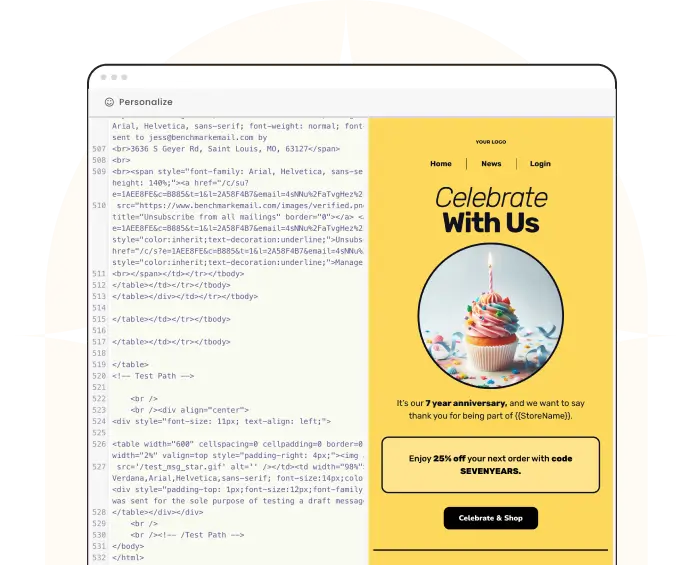
Ask ChatGPT or Claude for a marketing email and you get HTML back. Not to worry, just paste or upload the HTML to Benchmark. Adding merge fields is easy. You're ready to send an AI-designed, personalized email in a jiff.
Ask ChatGPT or Claude for a marketing email and you get HTML back. Looks great, but is a pain to rebuild block-by-block in a drag & drop email builder. Not to worry, Benchmark takes HTML as-is.
Paste the code and watch it render live in desktop and mobile views. Add first names and other contact details with a click, with fallbacks for contacts you don't have data for. And since AI code is rarely perfect, the editor repairs small issues quietly and flags anything bigger in plain English. Nothing blocks you from saving or sending.

Design Tools
Designed in Canva? Send it with Benchmark
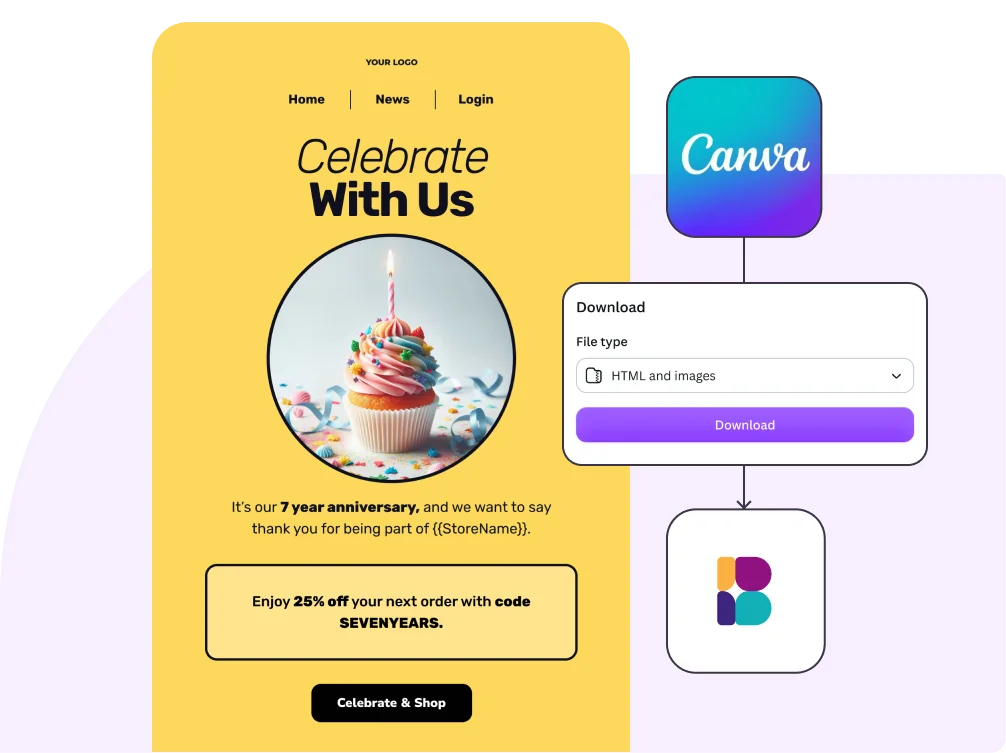
Canva's email designer can hand you the HTML for any email you design there. Copy it, paste it into Benchmark, and your design arrives looking the way you made it. It goes out with the same tracking and reports as every other campaign.
Migration
Switching providers? Bring your emails with you
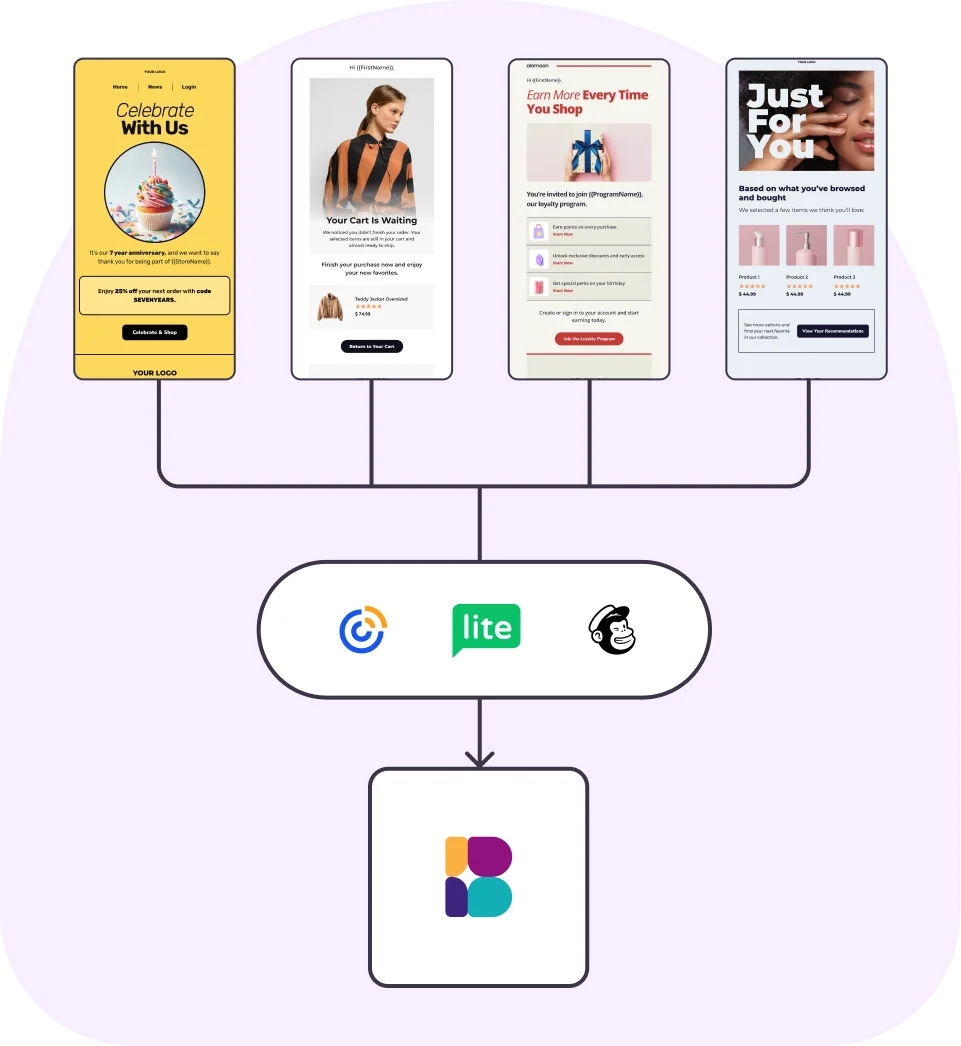
Your best emails shouldn't stay locked in your old platform. Export the HTML from Mailchimp, Constant Contact, or wherever you send today, paste it in, and pick up where you left off.
How it works
 1
Create Email
Start a new email and choose the Custom HTML option
 2
Import Code
Paste your code, or upload the HTML file
 3
Send Campaign
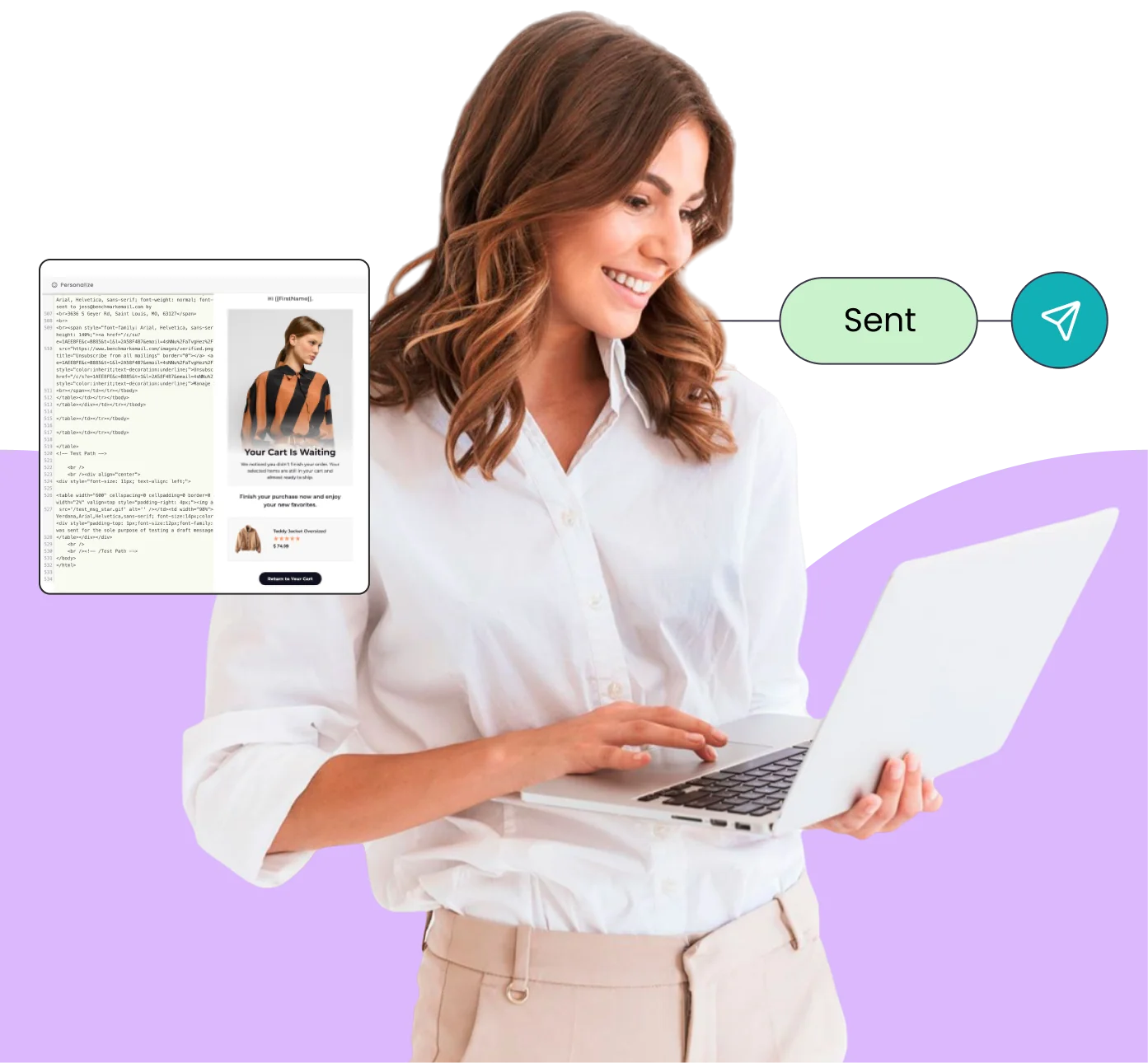
Preview, personalize, and send
Frequently Asked Questions
Do I need to know how to code?
No. If a designer, an AI tool, or another platform already made the HTML, you just paste it in. And if you'd rather never see code at all, the drag-and-drop builder is right there.
What if my HTML has mistakes in it?
Small issues are repaired automatically. Anything that changes how your email renders shows up as a plain-English note in the editor. Warnings never block you from saving, previewing, or sending. See the common HTML email mistakes worth checking before you paste.
Will Benchmark change my code?
Your layout, styles, and images stay as you wrote them. For security, scripts and forms are removed before sending. Benchmark also adds the standard compliance footer (unsubscribe link and your mailing address) to every campaign, so your email stays CAN-SPAM compliant automatically.
Can I import emails from another email platform?
Yes. Most platforms let you export a campaign's HTML. Paste it into Benchmark and it's ready to send.
Is the HTML editor included on every plan?
Yes. Every Benchmark plan includes every feature, the free plan included. Pricing scales with your contact list, never with features.
Ready to send your HTML email?
Paste your code and send your next campaign in minutes.
Start Free NowIncluded on every plan, free plan included.