


Put your email marketing on autopilot with Zapier.
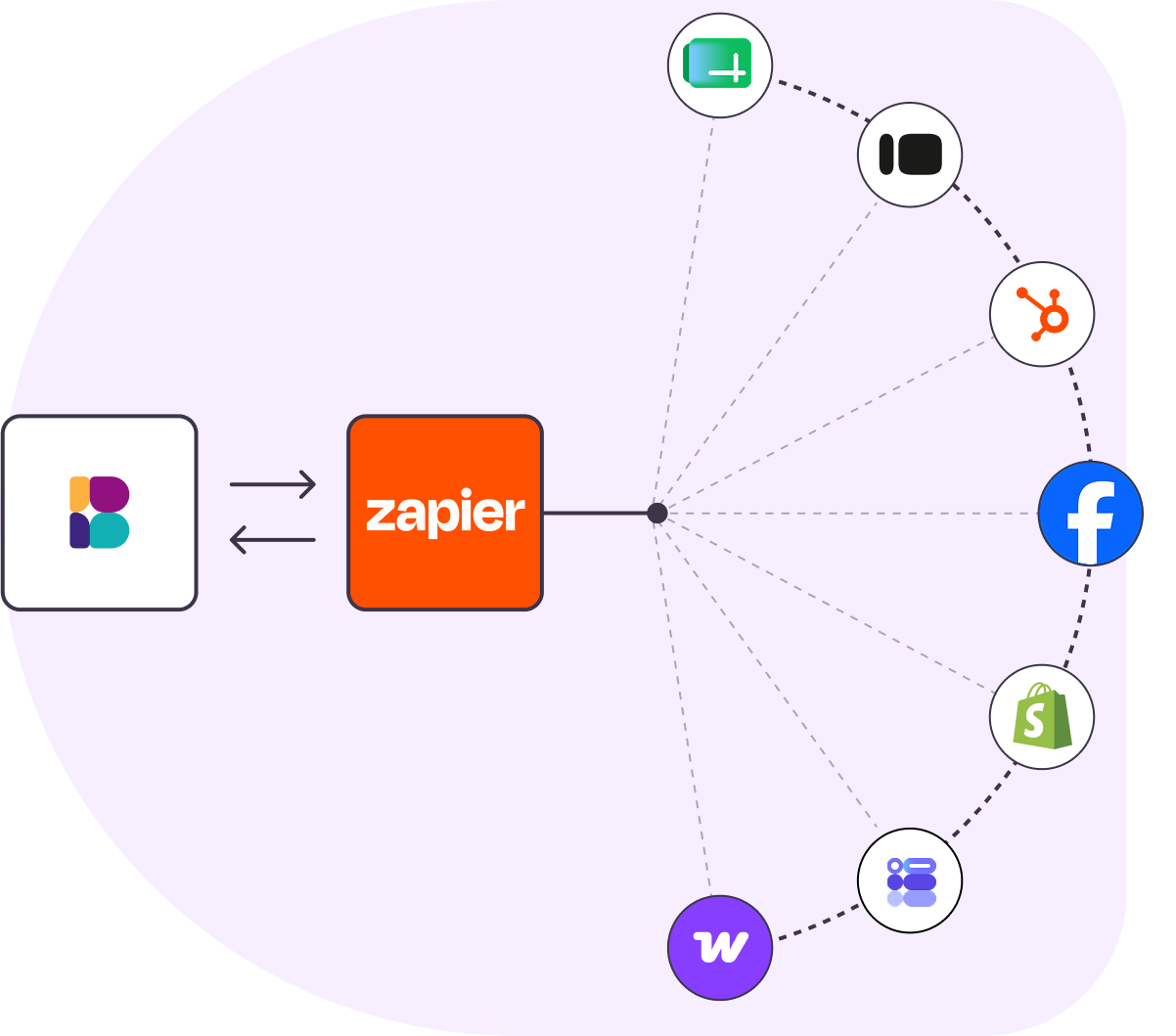
Connect Benchmark Email to nearly 8,000 apps in a few clicks. Create and update contacts to keep every list current. No code, no developer, no copy-paste.
Note: This integration works with accounts created on the new version of Benchmark Email. To integrate with a Benchmark Classic account, please use this integration instead.
Benchmark Email × Zapier
Connect to nearly 8,000 apps
Link Benchmark Email to your CRM, forms, spreadsheets, and ecommerce tools through Zapier’s huge app directory.
No code, no developer
Build automated “Zaps” with a point-and-click editor. If you can fill in a form, you can wire up an automation.
Keep contacts in sync
When someone fills out a form or signs up in another app, Zapier can create or update the contact in the right Benchmark list for you.
Popular Zaps to get you started
Ready-made templates connect your favorite apps to Benchmark Email in a few clicks.
Get up and running in three steps
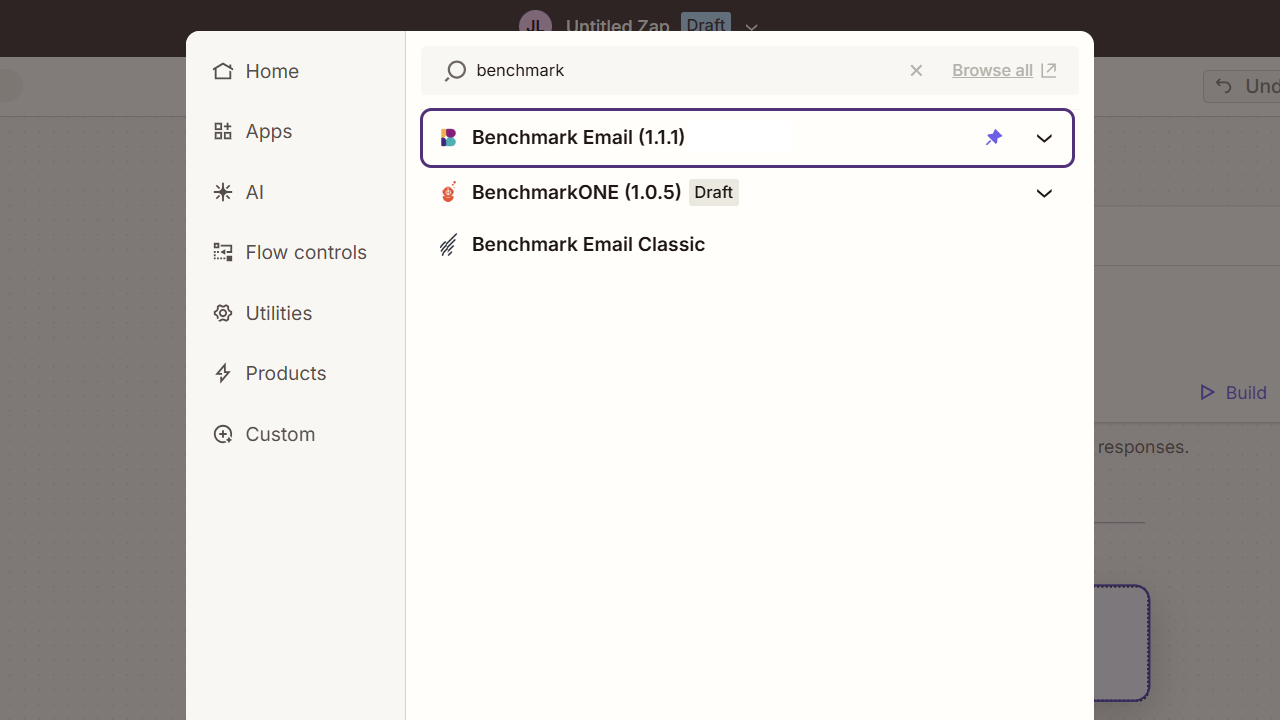
Connect your account
In Zapier, search for Benchmark Email and connect it with your API key and Base URL. (Find these in Account Settings > API Keys). You only do it once.
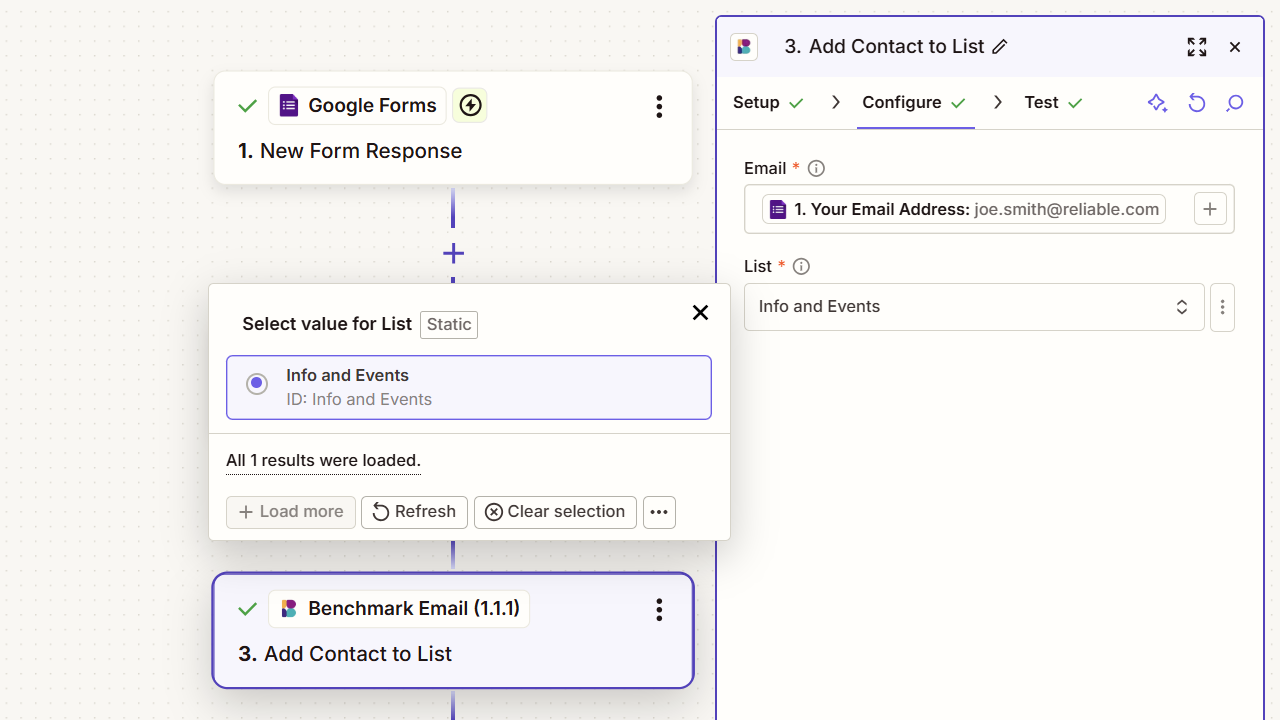
Map your data
Choose a trigger in another app, like a new form entry, spreadsheet row, or CRM contact, then match its fields to a Benchmark contact and list.
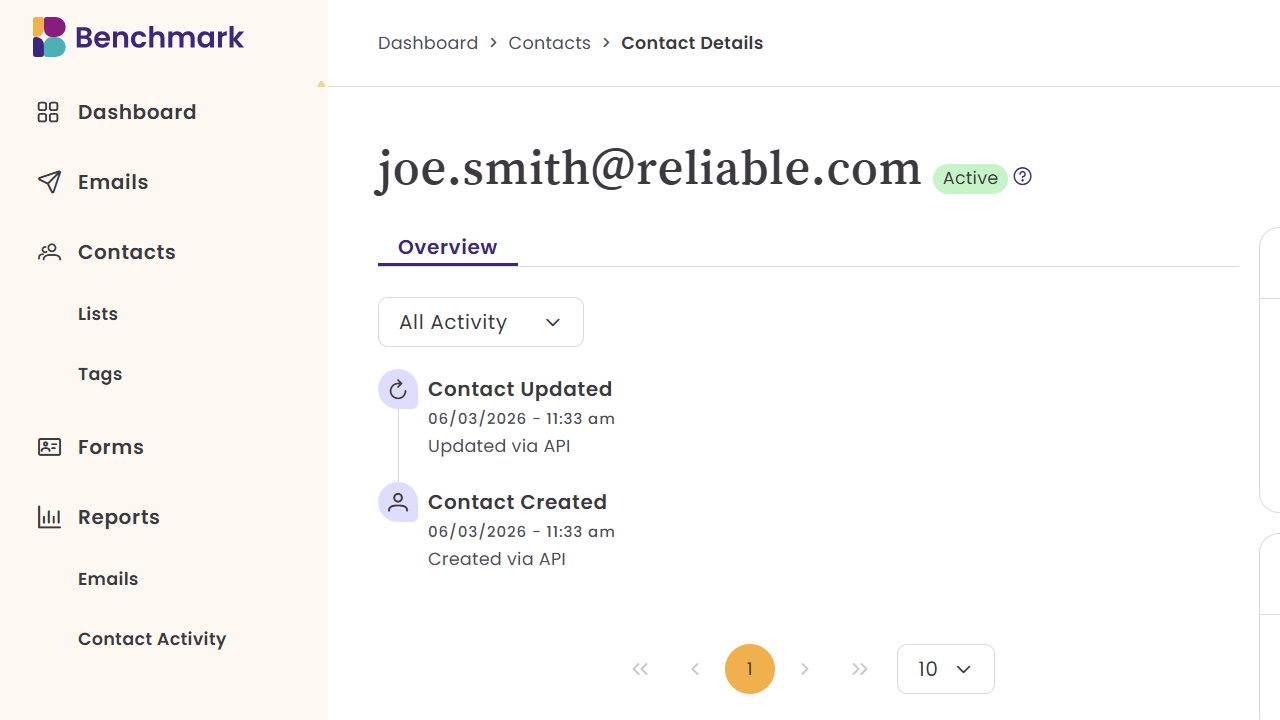
Automate
Turn your Zap on. From now on, contacts are created and updated in your Benchmark lists automatically, clean & ready for your next campaign.
Triggers & actions
A trigger is the event that starts a Zap; an action is the task the Zap carries out.
Benchmark events that can trigger a Zap:
- Contact unsubscribed
- Email bounced
Benchmark actions a Zap can perform:
- Find, create, update, or unsubscribe a contact
- Find or create a list
- Find or create a tag
- Add a contact to a list, or remove one
Start automating with Zapier today.
Connect Benchmark Email and Zapier in minutes. No code, no developer, no copy-paste.
Try It Now