


The Beginner’s Guide to Writing Your First Email Newsletter
Key Takeaways
- Define Your Strategy First. Clear goals and a defined target audience make every other decision easier.
- Optimize for Engagement. Compelling subject lines, mobile-friendly design, and clear calls-to-action are non-negotiable.
- Lean Into Visuals. Images, GIFs, and short videos increase retention and break up long copy.
- Stay Consistent. A simple content calendar and reliable email platform keep you on schedule.
- Measure and Improve. Open rates and click-throughs tell you what’s working. Check them after every send.
Email newsletters do more than keep subscribers in the loop. Done right, they’re one of the most powerful ways to build real trust with your audience and turn casual readers into loyal fans.
If you haven’t started one yet, the process can feel overwhelming. But it doesn’t have to be. This guide walks you through exactly what you need to know to write and send your first email newsletter, from defining your strategy to hitting send with confidence.
What Is an Email Newsletter?
An email newsletter is a regularly scheduled email sent to a subscriber list. It can include company news, curated content, product updates, tips, stories, or any mix of the above. The key word is regularly. Newsletters build their value through consistency and relationship, not one-off sends.
The format is flexible. Some newsletters are short and punchy (a few hundred words). Others are long-form and editorial. What matters most isn’t length. It’s whether your readers look forward to getting it.
Step 1: Define Your Goals and Audience
Before you write a single word, get clear on two things: why you’re sending this newsletter, and who it’s for.
Your goal might be to drive traffic to your blog, nurture leads toward a purchase, build brand loyalty, or simply stay top-of-mind with customers between sales cycles. The goal shapes everything, including your content, your frequency, and your calls to action.
Your audience shapes everything else. A newsletter for small business owners sounds different from one for enterprise marketing teams. One for hobbyists sounds different from one for industry professionals. The tighter your audience definition, the more relevant your content can be, and relevant content is what gets newsletters opened and read.
Step 2: Choose Your Email Marketing Platform
You need a platform to build, send, and track your newsletter. The right choice depends on your list size, your budget, and how much design flexibility you want.
Look for a platform that offers:
- A simple drag-and-drop email editor
- Mobile-responsive templates
- Reporting on opens, clicks, and unsubscribes
- List management and segmentation
In 2026, most reputable email platforms also include AI-powered content assistance, a genuinely useful tool for beginners who want a starting point to edit, not a blank page to stare at.
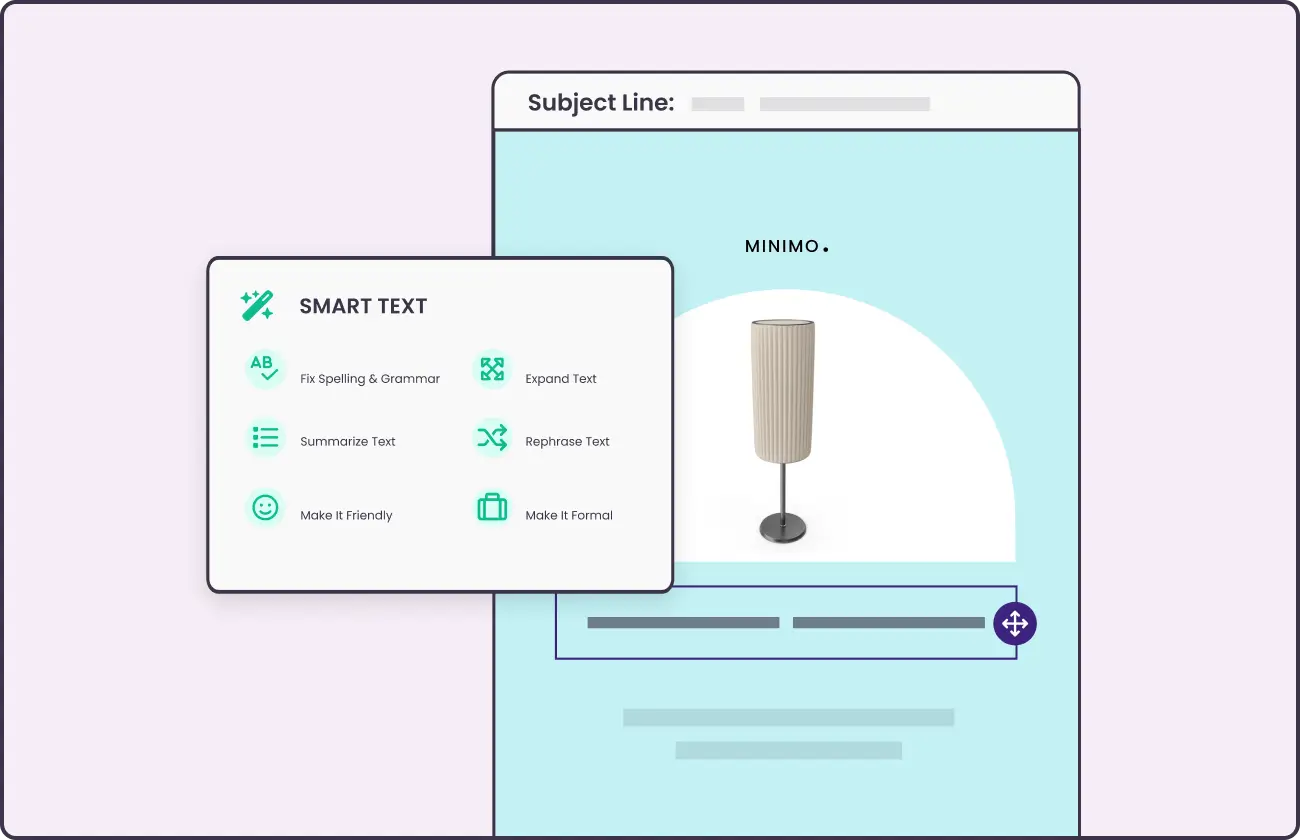
Example: Benchmark Email’s Smart Text Feature
Step 3: Build Your Subscriber List
Never buy an email list. Purchased lists produce terrible engagement, damage your sender reputation, and in many cases violate anti-spam regulations. Build yours organically.
Effective list-building tactics include:
- A sign-up form on your website (homepage, blog, footer)
- A lead magnet (a free resource, discount, or exclusive content offered in exchange for an email address)
- In-person sign-ups at events
- Social media promotion with a clear value proposition for joining
Make the value of your newsletter obvious at the point of sign-up. “Get weekly tips on email marketing” is clearer and more compelling than “Sign up for our newsletter.”
Step 4: Plan Your Content
The number one reason newsletters fail is that the sender runs out of things to say, usually because they never had a content plan.
A simple content calendar doesn’t have to be elaborate. Map out your next four sends: what’s the main topic, what’s the CTA, and what’s happening in your business or industry that’s worth talking about? That’s enough to get started and build the habit.
Good newsletter content usually falls into one of a few buckets:
- Educational: Tips, how-tos, and lessons from your area of expertise
- Curated: Links, tools, or articles your audience would find useful
- Behind-the-scenes: A look at what’s happening in your business
- Promotional: Product updates, launches, or sales. Use these sparingly so they don’t feel like the only reason you email
The best newsletters mix these in proportions that match their audience’s expectations. If subscribers signed up for tips, mostly send tips. The promotional stuff lands better when it’s not the whole point.
Step 5: Write Your Newsletter
Subject Line
Your subject line determines whether your email gets opened. Write it last, after you know exactly what’s inside, and treat it as its own creative task.
Good subject lines are:
- Specific (tell readers what they’re getting)
- Short (under 50 characters for mobile)
- Free of spam triggers (all caps, excessive punctuation, words like “FREE!!!”)
- Occasionally personalized (a subscriber’s first name can lift open rates meaningfully)
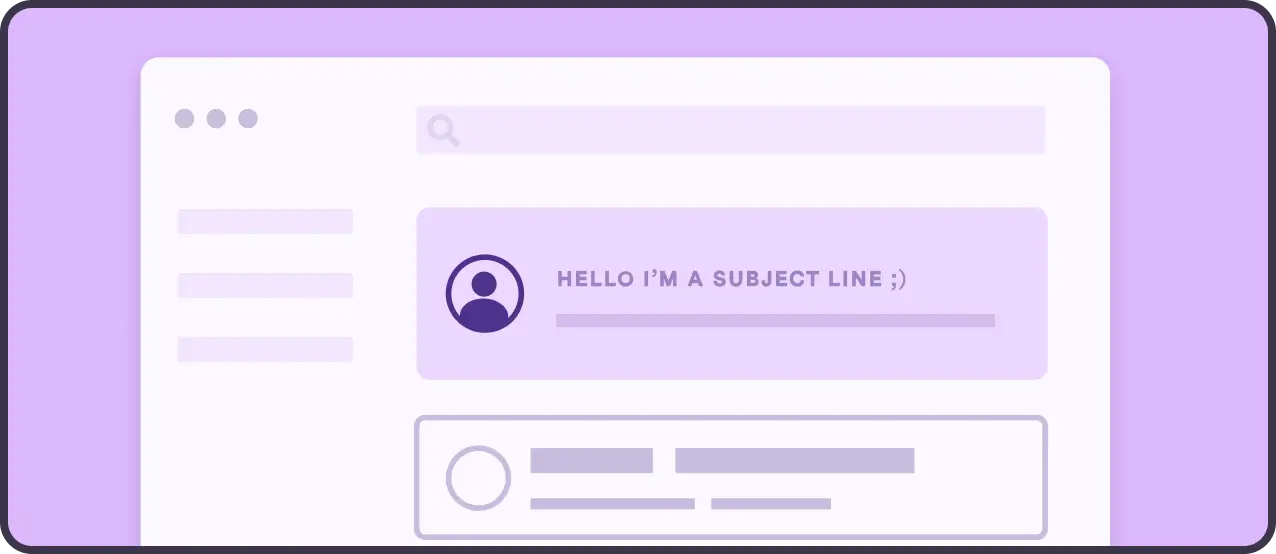
Write three versions and pick the strongest one. Or A/B test them if your platform supports it.
Preview Text
The preview text is the snippet that appears after the subject line in most inboxes. Don’t waste it on “If you’re having trouble viewing this email…” Use it to extend the subject line hook or add a secondary reason to open.
Body Copy
Write for your reader, not for yourself. Every paragraph should answer the question: why does this person care?
Keep your copy concise. Use short paragraphs and subheadings to make it scannable. Most newsletter readers are skimming. Make it easy for them to find the value quickly, and they’ll start reading more carefully when something catches their eye.
Tips for Writing Great Email Newsletter Content
- Start with a hook. Your first sentence should pull the reader in. A provocative question, a surprising stat, or a direct statement of what they’re about to learn all work well.
- Incorporate visuals. Images, GIFs, and short videos break up text and increase engagement. Keep file sizes reasonable so your email loads fast on mobile.
- Keep it fresh. Bring a perspective or insight your readers won’t find everywhere else. Curation is fine; regurgitation isn’t.
- Write a clear CTA. Every newsletter should have one primary action you want readers to take. Make it obvious, specific, and easy. One CTA per email outperforms a list of five.
- Use storytelling. A specific anecdote or example is more memorable than a general piece of advice. If you’re teaching something, show it through a story rather than just stating it.
- Use AI as a drafting tool, not a ghostwriter. In 2026, AI can generate a solid rough draft in seconds. Use it to beat the blank page, then rewrite it in your voice, add your specific examples, and send something that actually sounds like you.
Step 6: Design for Mobile
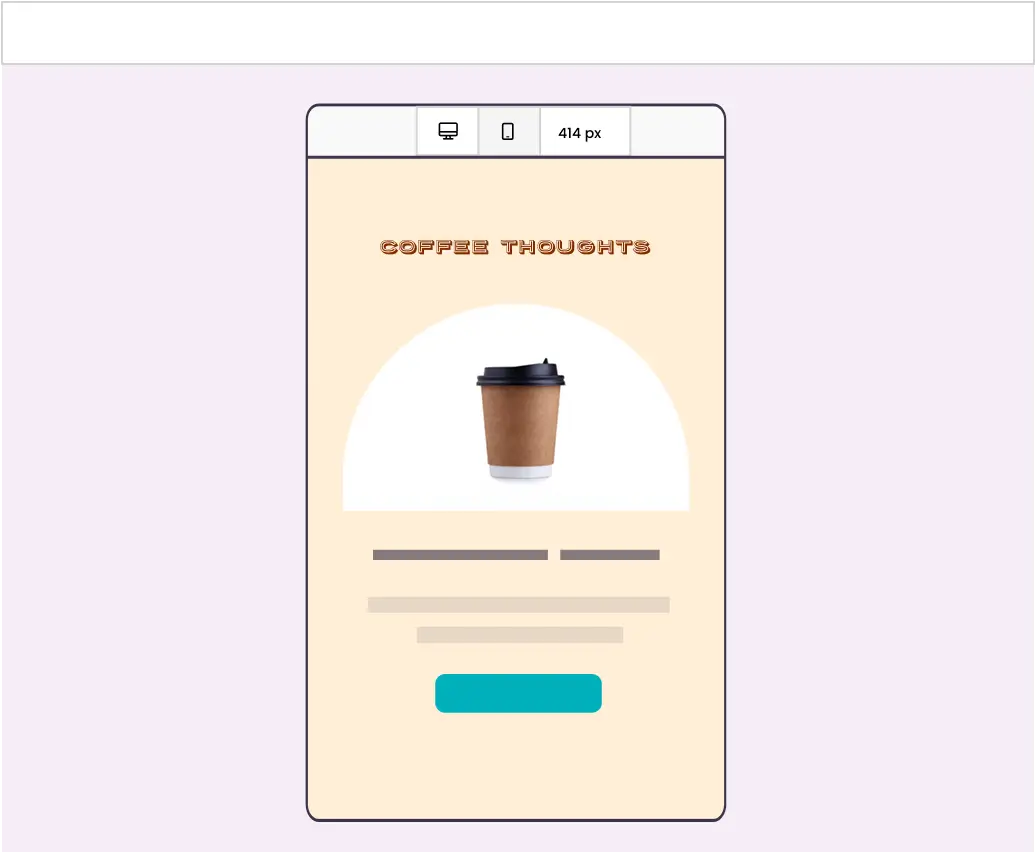
More than half of all emails are opened on mobile devices. If your newsletter isn’t mobile-friendly, you’re losing readers before they’ve read a word.
Most modern email platforms handle this automatically through responsive templates. Still, always preview your email on mobile before sending. Look out for: text that’s too small to read without zooming, images that break the layout, and CTAs that are hard to tap with a thumb.
Single-column layouts, large fonts, and prominent buttons are your friends.
Step 7: Test and Send
Before you send to your whole list, send a test to yourself. Check for:
- Broken links
- Typos and formatting issues
- Subject line and preview text rendering correctly
- Images loading
- CTA button working
Then check your timing. Send-time best practices vary by audience, but Tuesday through Thursday mornings tend to perform well for B2B audiences. Consumer-focused newsletters often do better on weekends. Test over time and let your own data guide you.
Step 8: Review Your Results
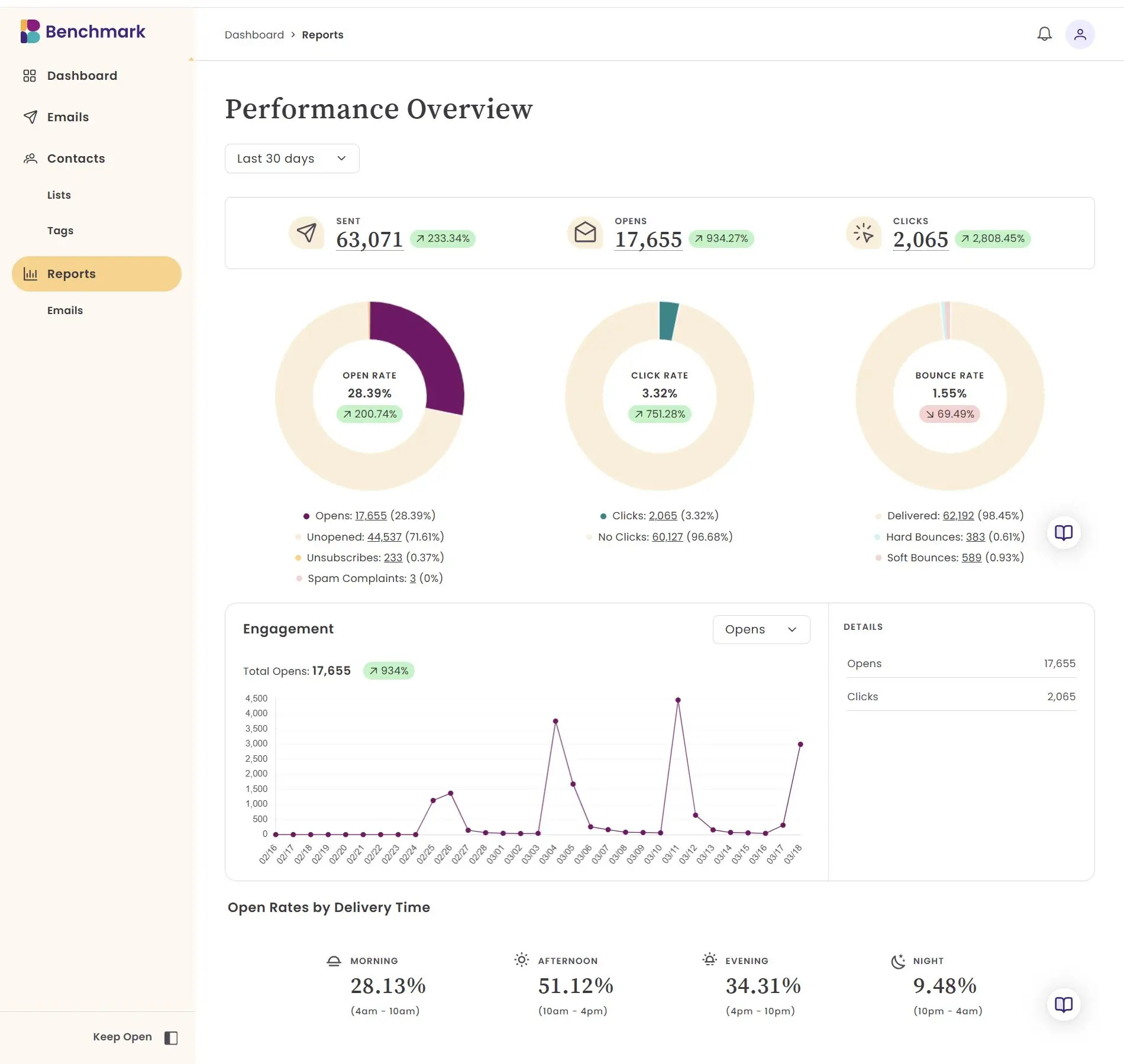
After every send, look at your email metrics, such as open rate, click-through rate, and unsubscribe rate.
- Open rate tells you how compelling your subject line was and how healthy your list is.
- Click-through rate tells you how effective your content and CTA were.
- Unsubscribe rate tells you if something went wrong. Maybe you’re sending too frequently, your emails are off-topic, or irrelevant to your audience.
Don’t obsess over benchmarks from other industries. Track your own numbers over time and focus on improving them consistently.
Frequently Asked Questions
How long should my first email newsletter be?
There’s no magic length. Shorter newsletters (300–500 words) work well for high-frequency senders. Longer ones (800–1,500 words) work for newsletters with a strong editorial voice and an audience that’s opted in for depth. Start shorter and expand if your readers want more.
How often should I send my newsletter?
Consistency matters more than frequency. Monthly is a reasonable starting point for most small businesses. If you have enough to say, biweekly can work. Don’t commit to a weekly cadence until you’re confident you can sustain it without the quality dropping.
What should I write about in my first newsletter?
Introduce yourself and the newsletter’s purpose, deliver something immediately useful (a tip, a resource, a story), and tell readers what to expect going forward. First impressions set the tone for the relationship.
Do I need a professional designer to create an email newsletter?
No. Modern email platforms offer polished, mobile-responsive templates that require no design experience. Focus on the content first. Good writing in a clean template outperforms flashy design with weak copy every time.
How do I grow my newsletter list quickly?
The fastest legitimate growth comes from a specific, compelling lead magnet paired with promotion across your existing channels. If you already have a website, a social following, or an in-person customer base, those are your best starting points. Quality subscribers (people who genuinely want what you’re sending) always beat raw quantity.
About the Author:

Content Marketing Manager | Content marketing, inbound funnel, social media, email nurture | Natalie Slyman is an experienced Content Marketing Manager at Benchmark Email with a strong B2B background and a knack for crafting pillar content that boosts SEO and brand authority. She regularly shares actionable insights—from remote-work strategies to AI-powered content workflows—via blog posts and webinars tailored for busy marketers.