


Best Email Platforms with a Claude or ChatGPT Connector (2026)

Key takeaways
- MCP connectors let Claude and ChatGPT take action inside your email platform. This includes drafting, segmenting, and scheduling, not just generating text you copy and paste.
- Benchmark Email’s connector for Claude, with approval-required sends and all features on every plan.
- Most major email platforms now offer an official MCP connector, but they differ a lot in setup effort, what your assistant can actually do, and who they’re built for.
- For small teams, the key factors are email focus (vs. a full suite), predictable pricing, and speed to first send.
If you’ve started using Claude or ChatGPT for your work, you’ve probably wondered whether your email platform can plug in too. The answer depends on which platform you’re using, and what you mean by “connect.”
This post covers which email marketing platforms have connectors for Claude or ChatGPT in 2026, what those connectors actually let you do, and which setup makes sense for a small team that wants to move faster without moving to a new stack.
What “works with Claude or ChatGPT” actually means
When you see an email platform advertise AI integration, it can mean one of several things, and they’re not equivalent.
AI writing tools built into the platform. Most email tools now have some version of this. You click a button, and AI generates subject lines or body copy inside the editor. Benchmark Email’s AI Assistant tool is an example, which is useful, but not what we’re talking about here.
A connector via MCP (Model Context Protocol). This is the category that matters for this post. MCP is a standard that lets Claude, ChatGPT, and other AI assistants connect to external tools and take action on your behalf. With an MCP connector, you can tell your assistant to draft, segment, schedule, and queue a campaign, from inside the assistant itself, without opening a separate browser tab.
The distinction: built-in AI helps you while you’re in the platform. An MCP connector lets the platform work while you’re in your assistant.
The platforms, compared
Benchmark Email
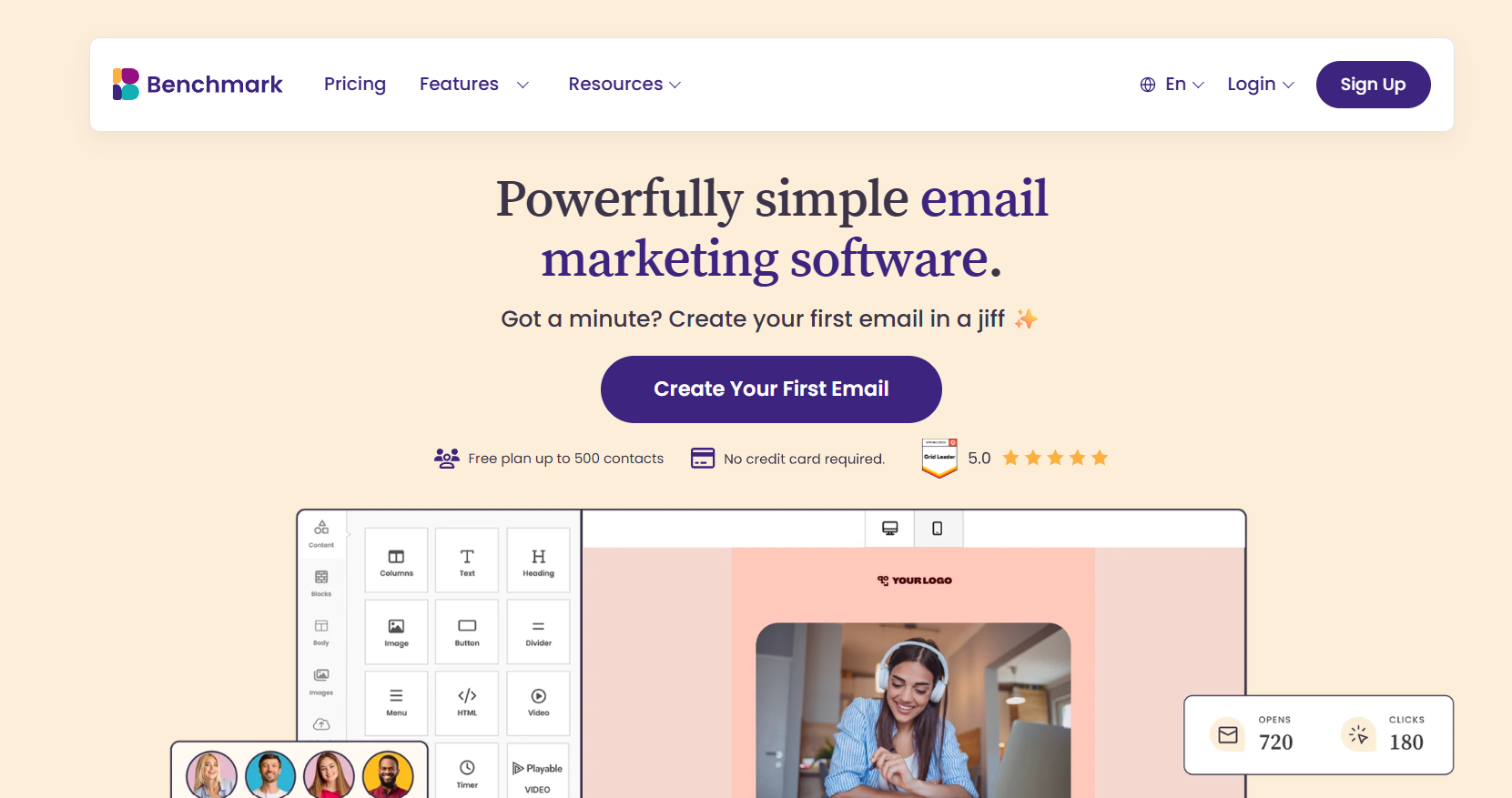
Through Benchmark Email’s connector, you can draft campaigns, pull contact lists and segments, set send times, and queue campaigns for your review. The final send requires your approval in Benchmark, so nothing goes out without your sign-off.
Where Benchmark stands out: the connector works with your contacts, not just your campaigns. Some connectors, like Mailchimp’s, focus mainly on campaign planning. With Benchmark, you can pull up your contact lists and segments right from your assistant, so the people you’re emailing are part of the conversation. Plans start at $12/month for 500 contacts, and a free plan is available. Support is real humans, 24/7 on every paid plan.
Best for: small businesses and marketing teams that want focused email tools, not a full CRM suite.
Mailchimp
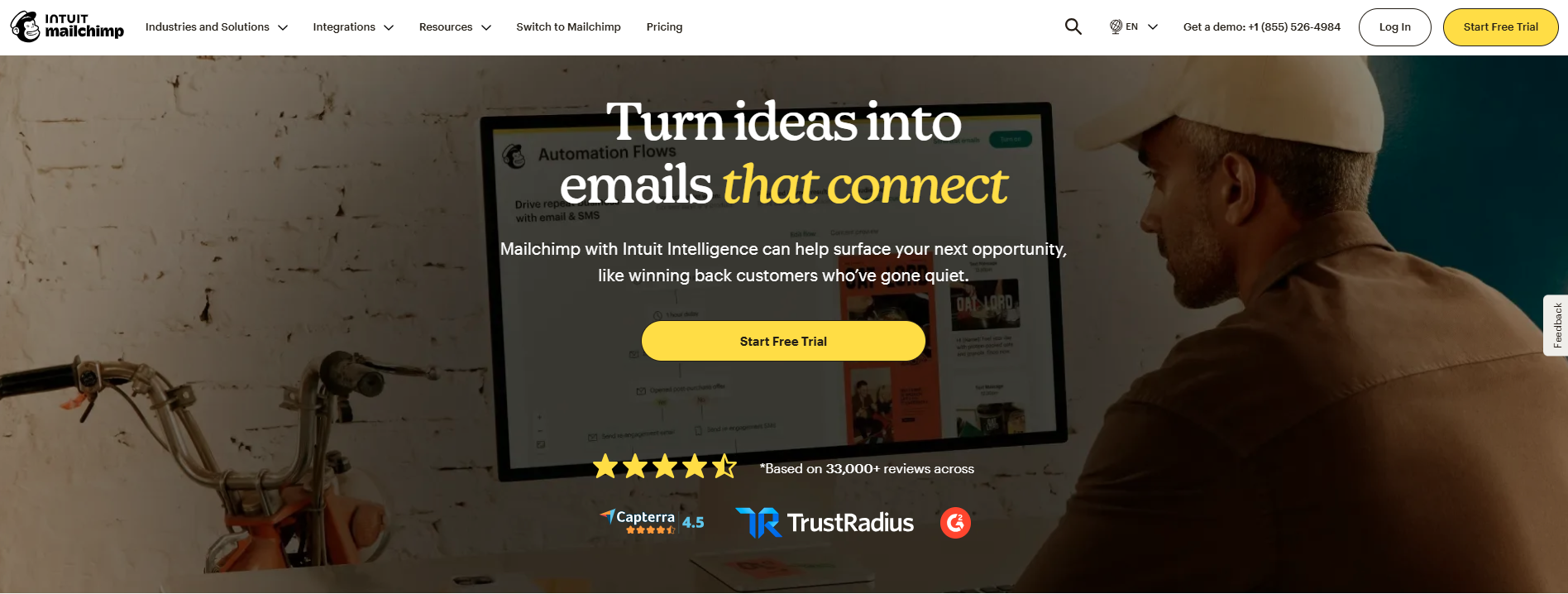
Mailchimp offers an official Intuit Mailchimp app in both Claude and ChatGPT. It’s built around campaign planning: it can create campaign plans across email, SMS, and social, generate email layouts, edit campaigns, and save them as drafts in your Mailchimp account. To connect it, you’ll need an Owner or Admin role in both Mailchimp and your AI tool. Mailchimp also runs a separate MCP server for its Transactional (Mandrill) product, which is aimed at developers rather than marketers.
Mailchimp’s pricing scales with contact list size and can climb quickly as lists grow. Support quality for small teams on lower-cost plans is mixed.
Klaviyo
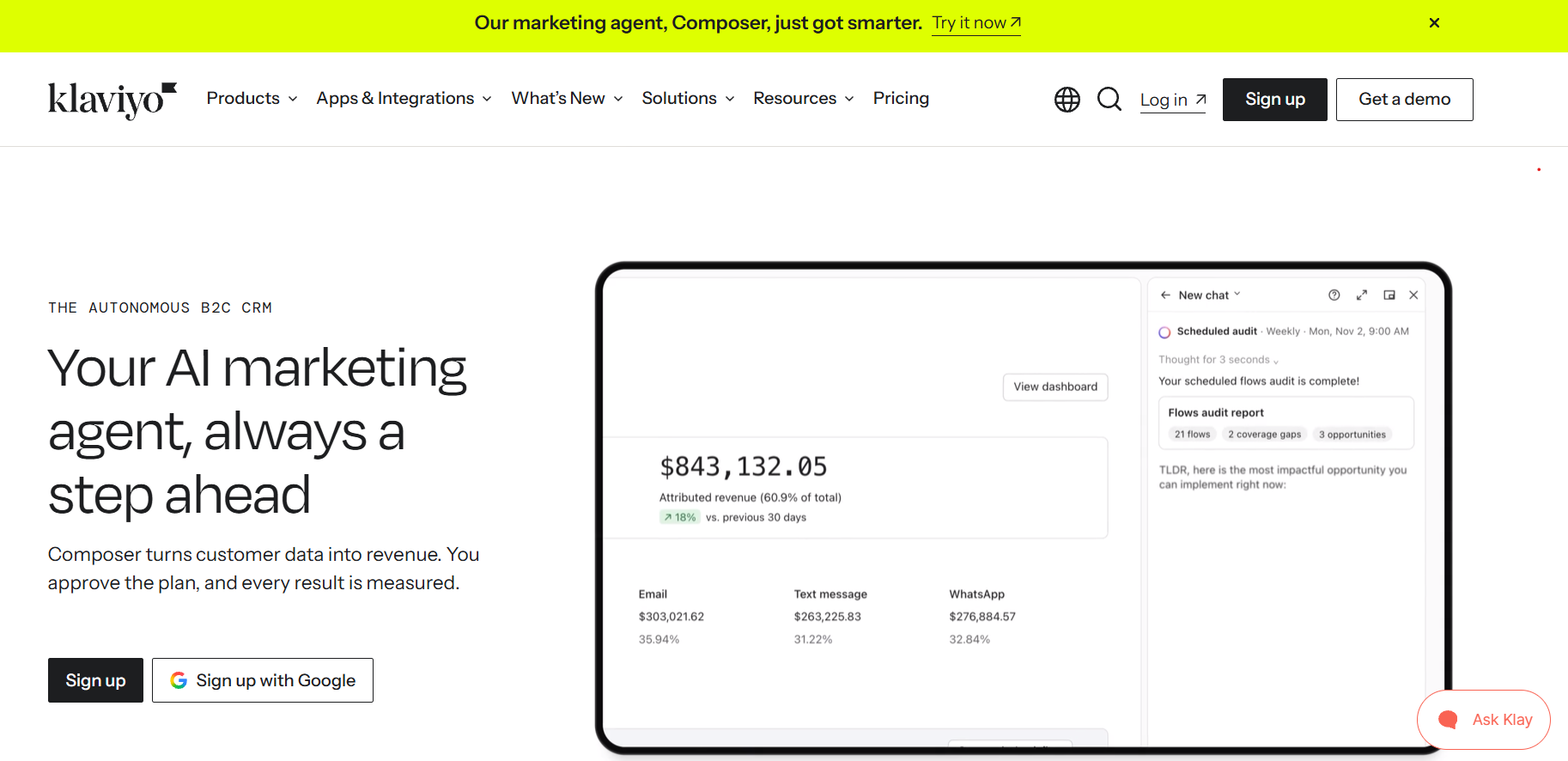
Klaviyo has an official, remote-hosted MCP server, with documented setup for Claude, ChatGPT, Cursor, and VS Code. It covers campaigns, flows, profiles, reporting, and catalogs, so you can pull performance data and create campaigns from your assistant. Connecting requires an Owner, Admin, or Manager role, and you can enable read-only mode to limit what the assistant can change.
Klaviyo is built primarily for e-commerce. Its pricing is competitive at smaller list sizes but rises steeply as lists grow. It’s feature-rich, which also means there’s a learning curve, so it’s less suited to teams that want to get in and get out.
Brevo

Brevo (formerly Sendinblue) has an official hosted MCP server that spans contacts, email campaigns, templates, CRM deals, SMS, and WhatsApp. Setup is more hands-on than a one-click connector: you generate an MCP API key in your Brevo settings, then add it to your AI tool’s configuration file. Brevo’s help docs walk through setup for Claude Desktop, Claude Code, Cursor, and other developer-focused tools.
Brevo’s pricing is among the most competitive. The tradeoff is that template quality and UX can feel rougher than platforms focused purely on email.
Mailjet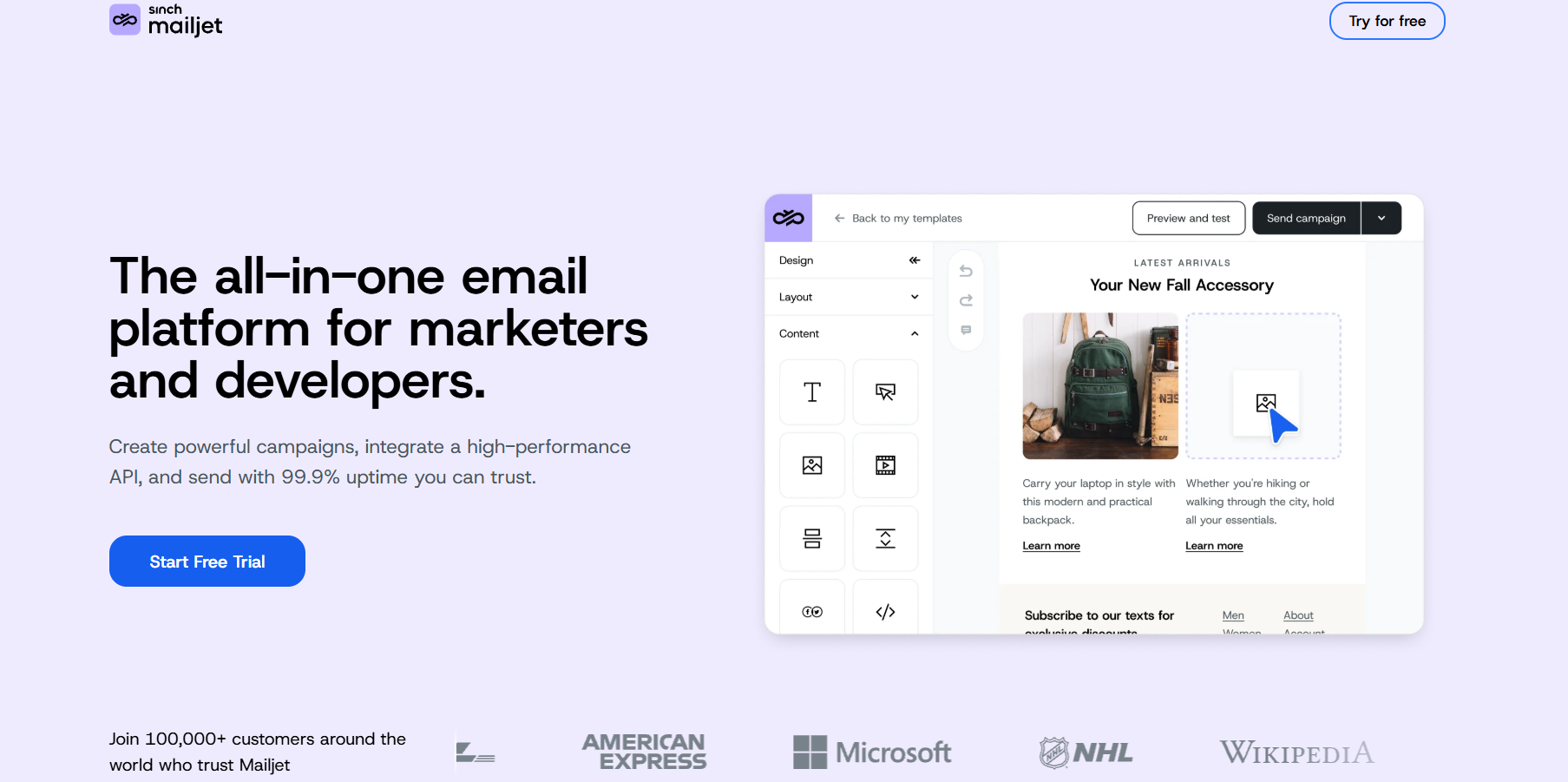
Mailjet is a reliable transactional and marketing email platform with API-first infrastructure, often used by developer teams. It released an open-source MCP server, but you host and run it yourself; it’s read-only by default and built mainly to pull email data and stats into a conversation. Developers can extend it, but it isn’t a plug-and-play Claude or ChatGPT connector for marketers.
HubSpot
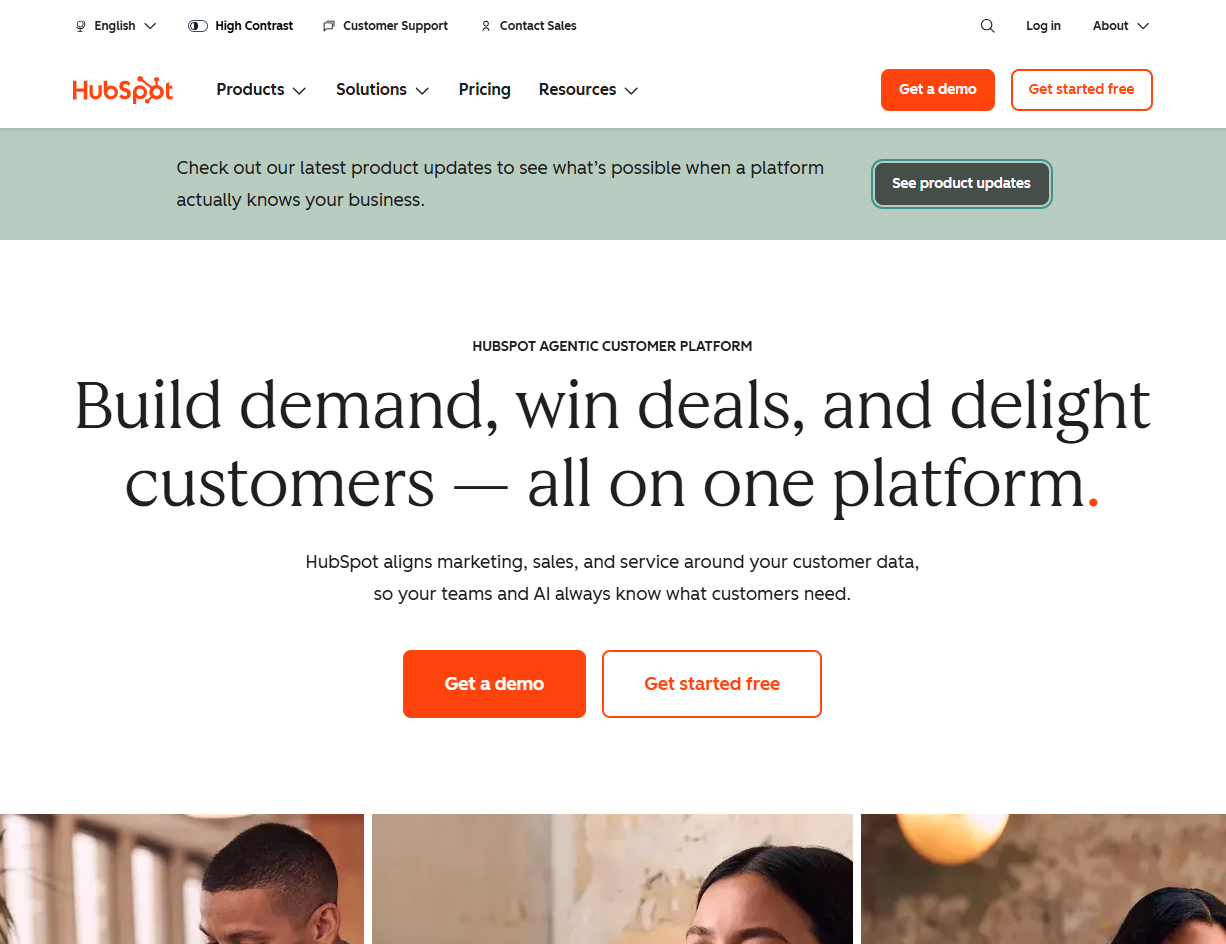
HubSpot has an official remote MCP server that powers HubSpot’s connectors for Claude, ChatGPT, Microsoft Copilot, and Gemini. It lets your assistant read and update CRM records like contacts, companies, and deals. The short version: HubSpot’s MCP is strong if you already live in their CRM. If you only need email, you’re buying a lot of platform to get there, and the cost reflects it.
ActiveCampaign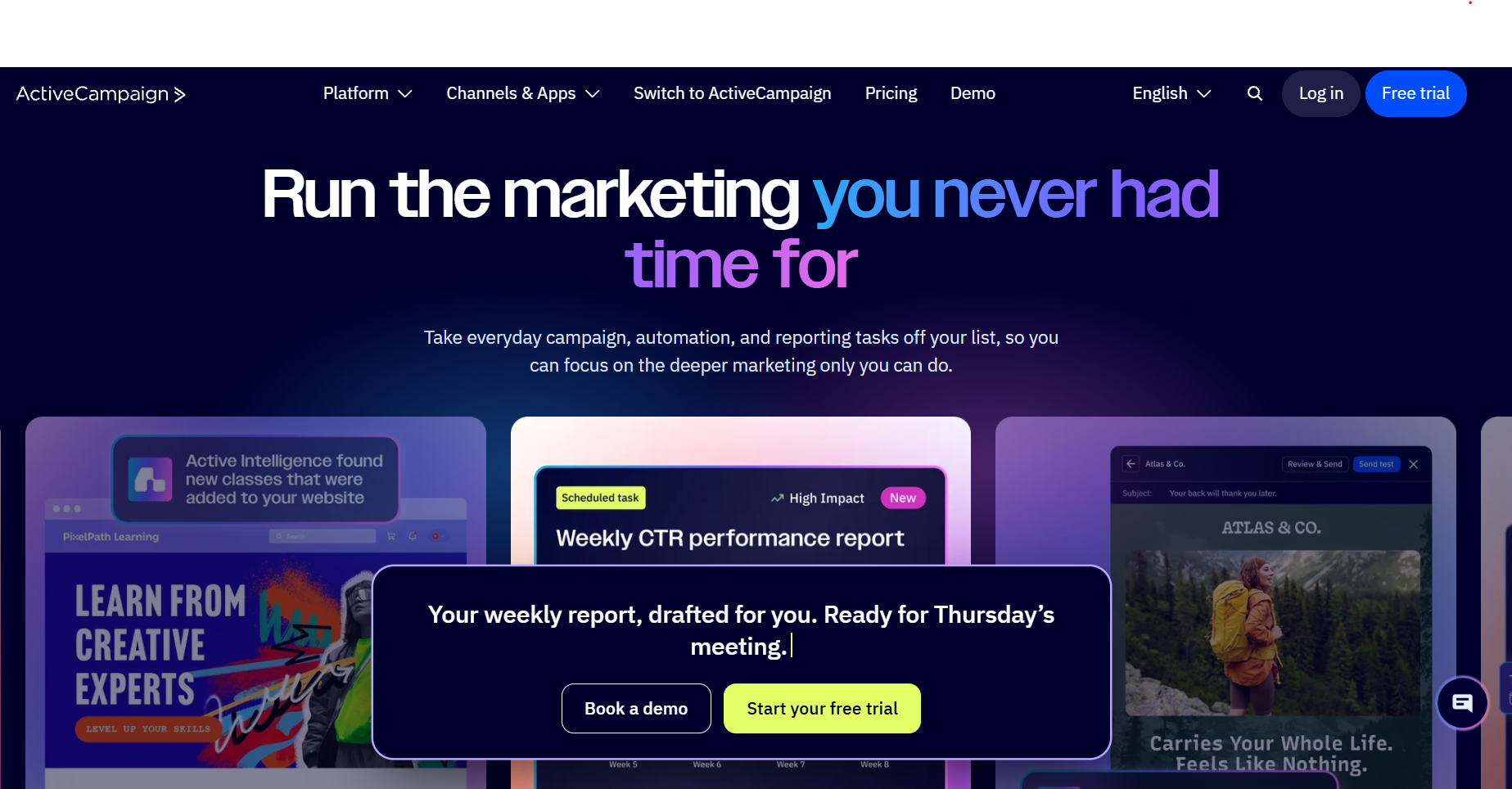
ActiveCampaign has an official remote MCP server, available on all plans, that connects to Claude and ChatGPT without any code. You can manage contacts, tags, lists, and campaigns, and pull engagement insights, all through natural language.
ActiveCampaign’s strength is complex automation sequences, which also means it has a steeper learning curve than platforms designed for simpler email workflows.
How to choose for a small team
Most small teams need to answer three questions before picking a platform:
1. Do you need just email, or a full marketing suite?
If email is your primary channel and you want a tool that does it well without the overhead of a CRM, landing pages, and SMS bundled in, a focused email platform like Benchmark is the right fit. If you’re already in HubSpot for your CRM and want everything in one place, HubSpot’s MCP may make more sense.
2. What’s your budget as your list grows?
Pricing models vary significantly. Some platforms start cheap and get expensive fast as your contact list grows. Benchmark’s pricing scales predictably with list size, and every plan includes every feature.
3. How much setup time do you have?
More-feature platforms take longer to learn, and some connectors take more technical setup than others. If you need to send a campaign in 30 minutes and move on, you want a tool designed for that. Benchmark is built for busy marketers who don’t have time for a learning curve.
Quick comparison table
| Platform | MCP connector | Starting price | Best for |
| Benchmark Email | 🧪 Claude | $12/mo (500 contacts) | Small teams focused on email |
| Mailchimp | ✅ Yes (Claude & ChatGPT app) | Varies | Growing e-commerce brands |
| Klaviyo | ✅ Yes | Varies | E-commerce with complex flows |
| Brevo | ✅ Yes (API key setup) | Varies | Budget-conscious teams |
| Mailjet | ⚠️ Self-hosted, read-only by default | Varies | Developer or transactional sends |
| HubSpot | ✅ Yes | Premium | Teams already in HubSpot CRM |
| ActiveCampaign | ✅ Yes | Varies | Teams needing complex automation |
Connector status reflects each vendor’s documentation as of November 2026.
Frequently asked questions
What is MCP and why does it matter for email marketing?
MCP stands for Model Context Protocol. It’s the standard that allows AI assistants like Claude and ChatGPT to connect to external tools, including your email platform, and take action on your behalf. Without MCP, your AI assistant can only generate text. With it, it can build and queue actual campaigns.
Does every email platform have an MCP connector?
Not every one, but most major platforms now do. Benchmark, Mailchimp, Klaviyo, Brevo, HubSpot, and ActiveCampaign all offer official connectors. Others, like Mailjet, offer developer tools you host yourself. What each connector can do varies widely, so check whether it can actually build and queue campaigns, or only read your data, before you choose.
Do I need to be technical to use an MCP connector?
It depends on the platform. Some connectors install in a few clicks from your AI assistant’s connector directory, while others require generating API keys and editing configuration files. The Benchmark connector is designed for marketers, not developers. Here’s an easy walk-through for our Claude connector.
Will using a connector change how I use my email platform?
The platform itself doesn’t change. The connector adds a new way in, through your AI assistant, but your Benchmark account, campaigns, and contacts all look and work the same.
Is the Benchmark Email connector free?
Benchmark built the connector, and it’s currently available for both Free and Pro Benchmark users. However, you can start with a free plan and connect your assistant.

Sign up for a free Benchmark Email account today!
SIGN UP FREEAbout the Author:

VP Product Marketing | Product, marketing, email | Allie Wolff is VP of Product Marketing at Benchmark Email, where she drives measurable product growth through compelling positioning, messaging, and go‑to‑market strategies. With over 18 years of expertise spanning B2B SaaS and email marketing, she’s spearheaded landmark initiatives—from the Canva integration to the rollout of Smart Content—bringing clarity and impact to busy marketers everywhere .