


The 10 Best Free Email Marketing Software, Tools and Services in 2026

You can run real email marketing without paying. Every tool on this list has a free plan that never expires, so you can send campaigns, grow your list, and see what works before you spend a dime.
Free plans do have limits, mostly on how many contacts you can store and how many emails you can send each month. Those limits decide how far each tool takes you before you need a paid plan. We compared 10 email marketing software tools and services below, along with the current free plan limits for each, so you can pick the one that fits your list and start sending today.
What counts as a free email marketing tool?
A free email marketing tool gives you a plan that stays free as long as you want, with no trial period ticking down the clock. You get an email builder, a place to keep your contacts, a signup form, and reports on opens and clicks. Free plans cap your usage: on contacts, on monthly sends, or both.
Most free plans give you a taste of their tools, but require an upgrade to access full functionality. Common reasons to upgrade are removing the vendor’s logo from your email footer, advanced automation, and live support. If live support matters for testing email marketing software and getting your first campaigns out the door, Benchmark Email is one of only three providers on this list that offer it.
Free email marketing tools compared
We compiled and verified free plan limits in September 2026. Vendors change pricing and limits often, so check the pricing page before you commit.
All ten show the vendor’s logo in your emails on the free plan (Zoho doesn’t say). Each tool’s “best for” is in its entry below.
The 10 best free email marketing tools
For each of the 10 best free email marketing software platforms, we outline the free plan, tell you who it’s best for, explain what you actually get, and, as a bonus, reveal the limits you should know before you sign up.
1. Benchmark Email
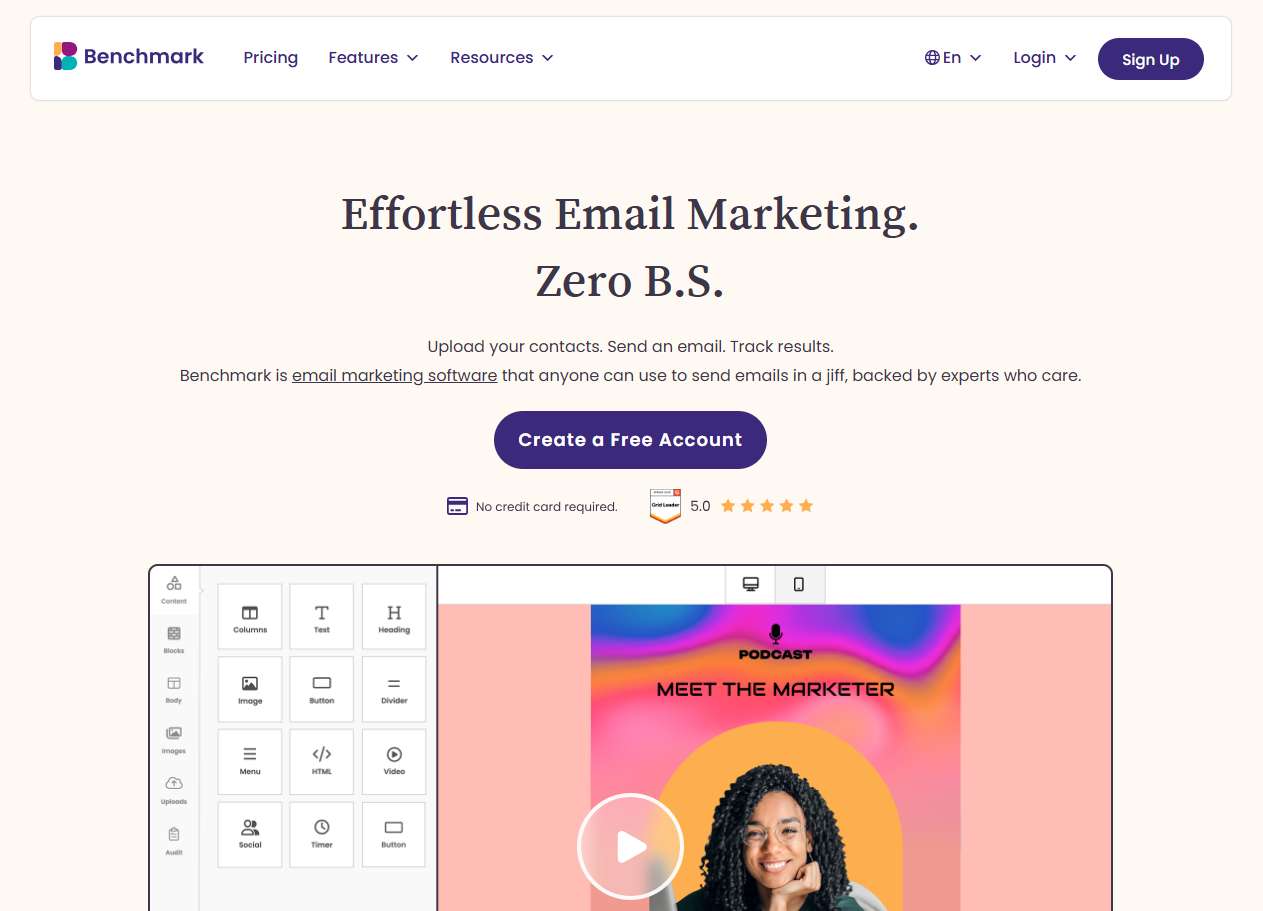
Free plan: 500 contacts and 1,000 emails a month. No credit card required. The free plan is the same platform paid customers use, not a stripped-down version, so it’s easy to transition to a paid Pro plan. Benchmark also offers free email list verification when you upgrade to Pro. That way, when you transition from a free plan to a paid plan, you know you’re emailing validated email addresses – not dormant accounts or bots.
Best for: small businesses that want a professional campaign live in under 30 minutes, with a real person to ask if they get stuck.
What you get free: a drag-and-drop editor, responsive pre-designed email and form templates, AI writing and image generation tools, signup forms, contact tags and segments, real-time reports, and 8,000+ integrations through Zapier, plus a small Benchmark badge in the footer that disappears when you upgrade to Pro. Support includes 24/7 live chat and email from real humans, even on the free plan. (Yes, really.)
Limits to know: 1,000 sends a month and no automated workflows, so Benchmark doesn’t do welcome series or drip sequences today. When you outgrow the free plan, Pro starts at $12/month for 500 contacts and adds List Verification, which checks your list for dead and risky addresses before they hurt your deliverability. No credit card is required to sign up for the free plan, so there are no auto-upgrades, no surprise charges.
2. MailerLite
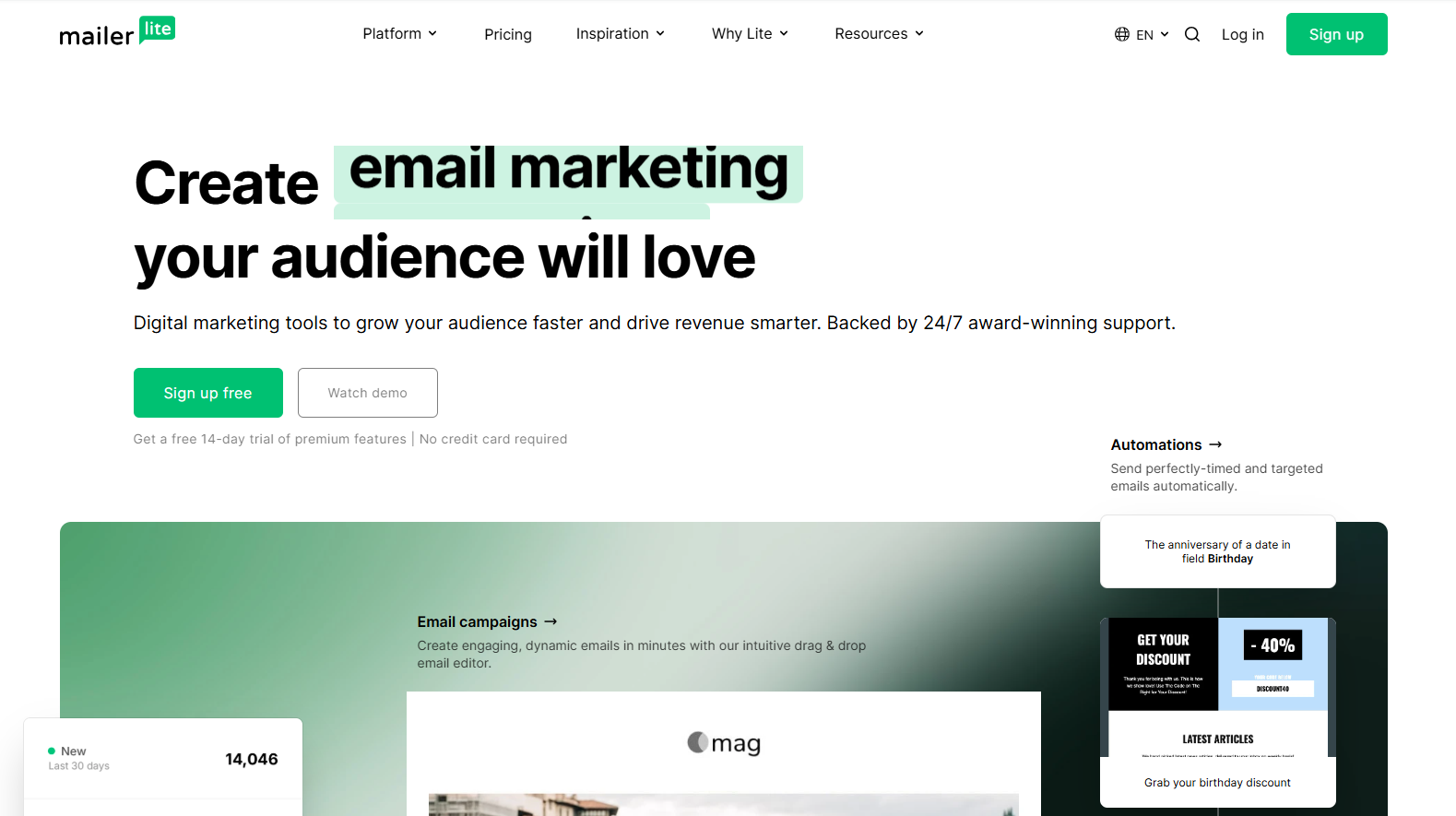
Free plan: 250 subscribers and 2,500 emails a month.
Best for: solo businesses that want a newsletter plus a simple landing page in one place.
What you get free: a clean editor, one website and one landing page, three signup forms, and three automations of up to five steps each. Two user seats.
Limits to know: 250 subscribers is a low ceiling, MailerLite’s logo stays in your emails, and support on the free plan is community forums only.
3. Brevo
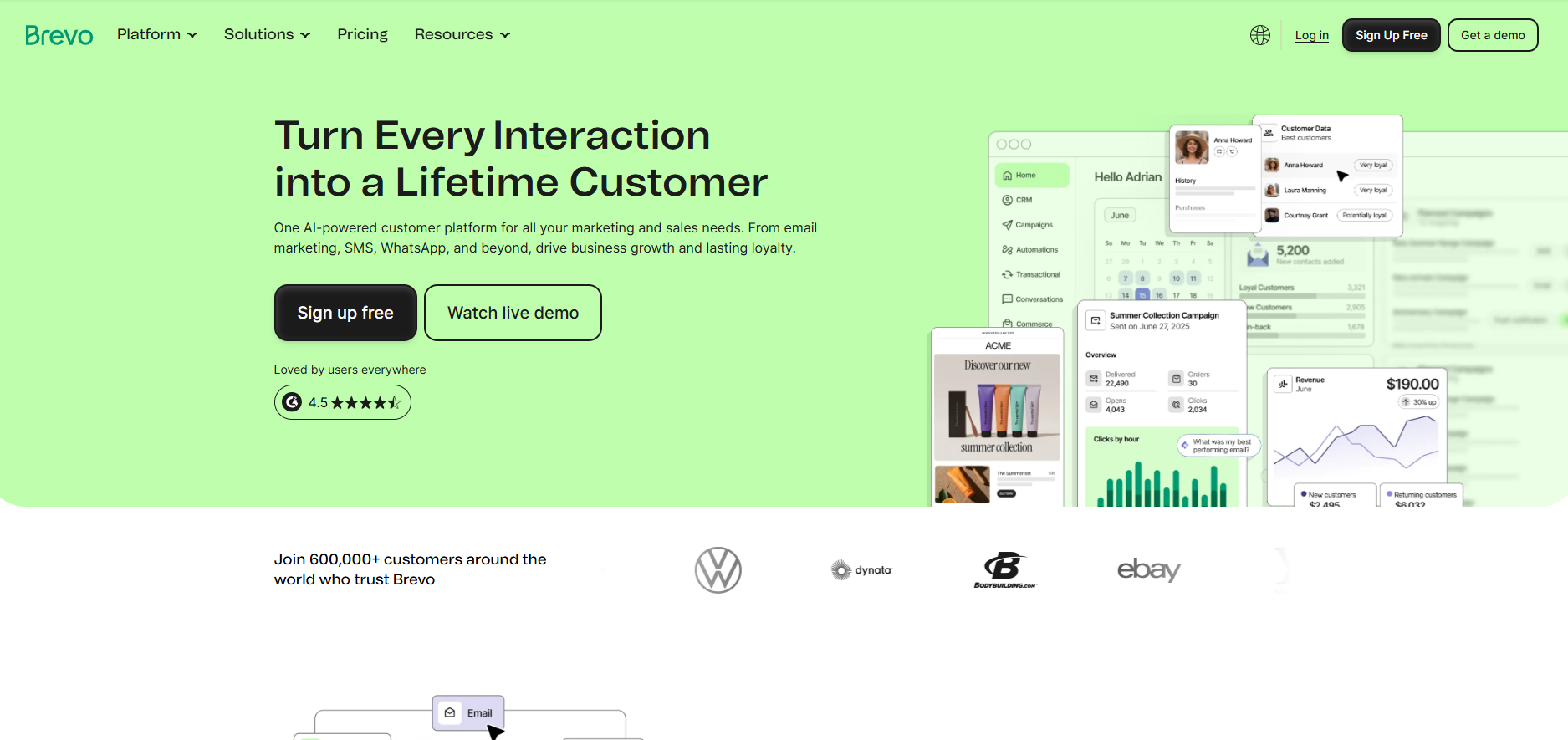
Free plan: up to 100,000 contacts, but only 300 emails a day (about 9,000 a month if you send every day).
Best for: businesses with a big list that send small, frequent batches, or that also need transactional email.
What you get free: the drag-and-drop editor, templates, an AI content generator, segmentation, forms, and basic reporting. SMS is available, but the credits cost extra.
Limits to know: the daily cap makes a single send to more than 300 people impossible without spreading it across days. Marketing automation starts on the Standard paid plan, and Brevo’s logo shows on the free plan.
4. Sender
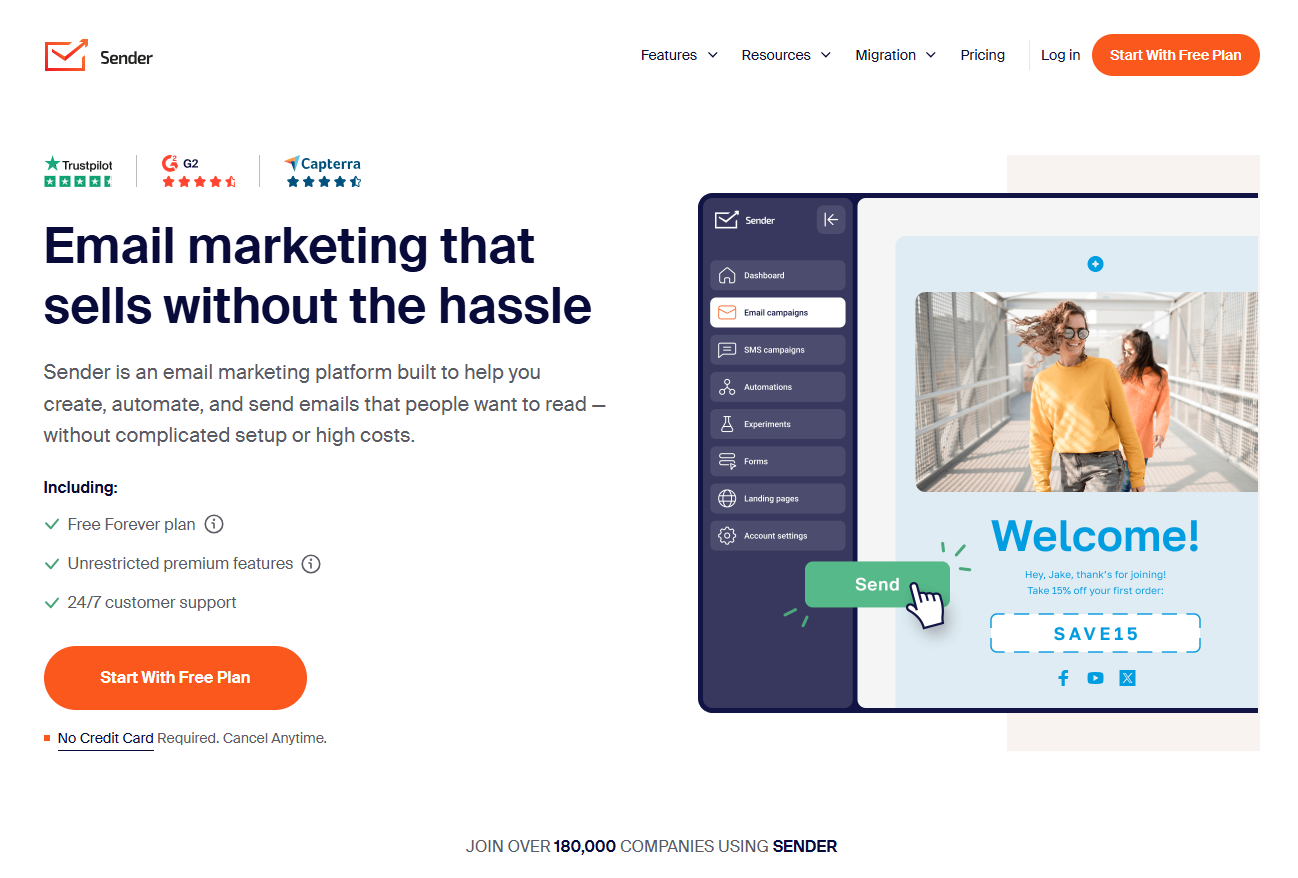
Free plan: 2,500 subscribers and 15,000 emails a month.
Best for: anyone whose main need is volume. This is the most generous send limit on the list.
What you get free: email automation with unlimited steps, custom workflows, 10 landing pages, and 24/7 email and live chat support.
Limits to know: one user seat, no A/B testing, no SMS, and Sender’s branding stays in your emails until you pay.
5. EmailOctopus
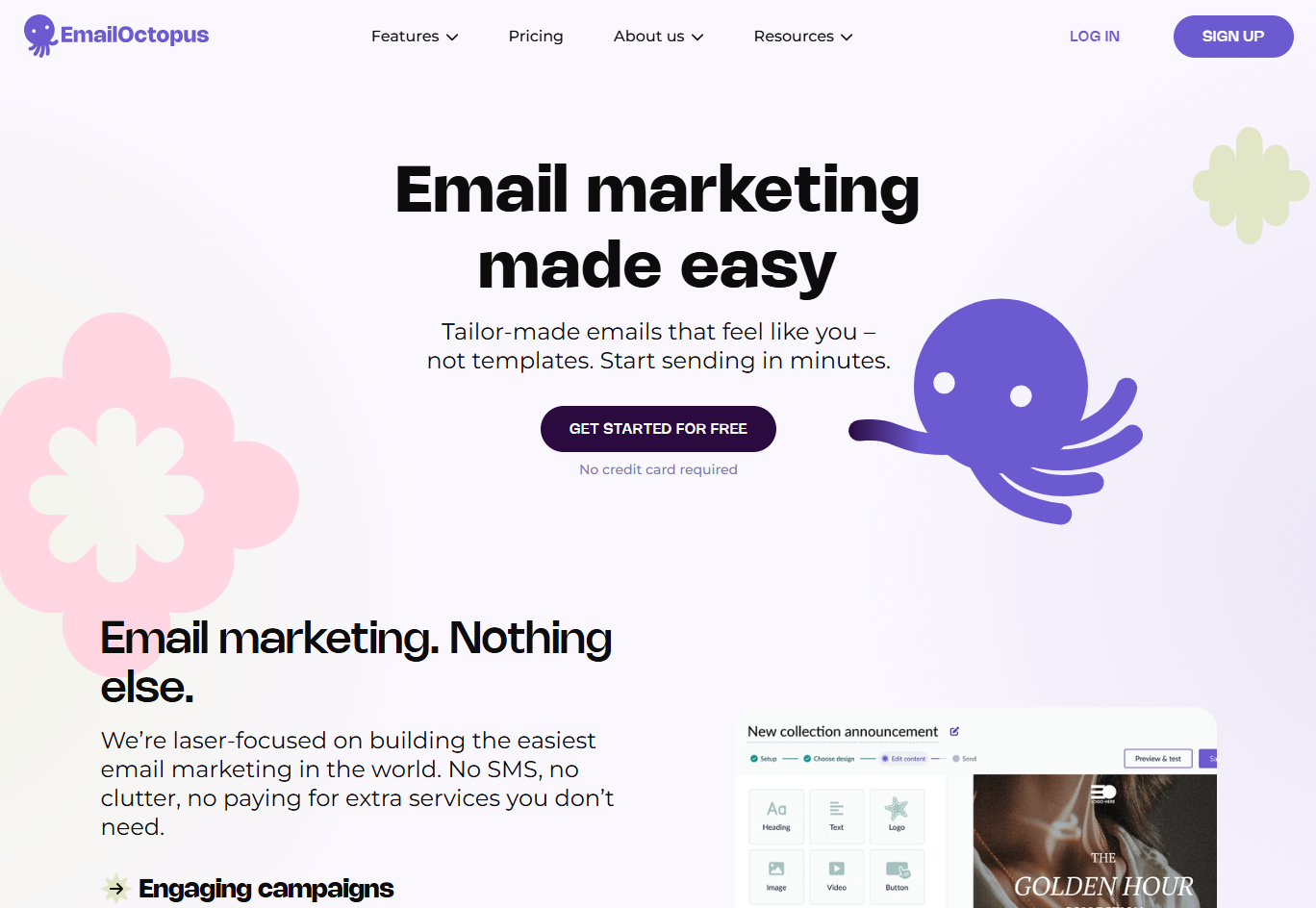
Free plan: 2,500 subscribers and 10,000 emails a month.
Best for: people who want lots of sends for nothing and are fine with a plain toolset.
What you get free: the email builder, one landing page, one form, and one user.
Limits to know: automation is not listed on the free tier, reports disappear after 30 days, and EmailOctopus branding appears on your emails.
6. Kit
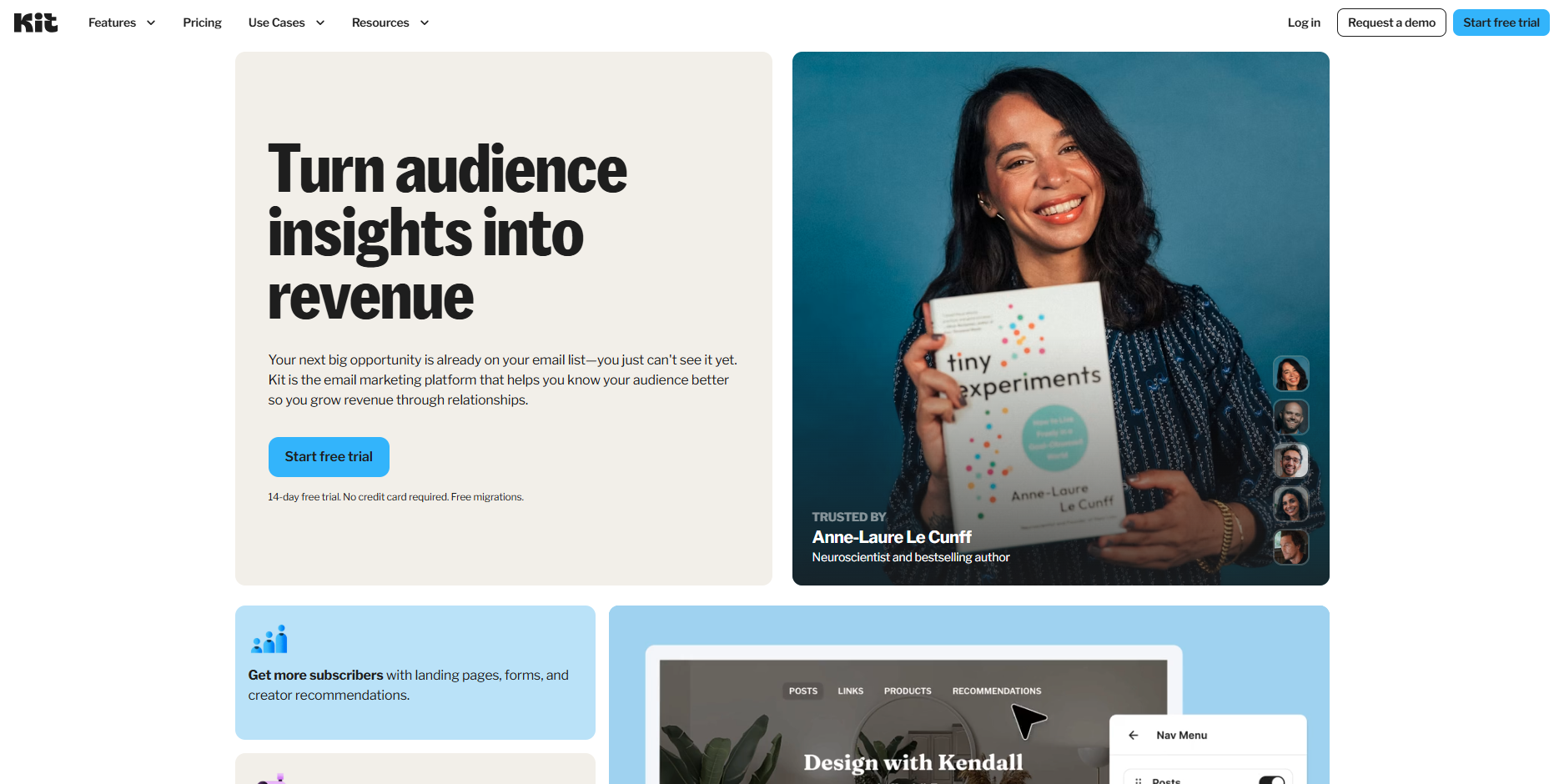
Free plan: up to 10,000 subscribers with unlimited broadcasts.
Best for: creators, writers, and anyone building a paid newsletter. Kit is built around the creator business, not the small business.
What you get free: broadcasts, forms, a landing page, the Kit recommendations network, and email support.
Limits to know: no email sequences or visual automations on the free plan, one user, and Kit branding stays on. If you sell products rather than content, look elsewhere.
7. Zoho Campaigns
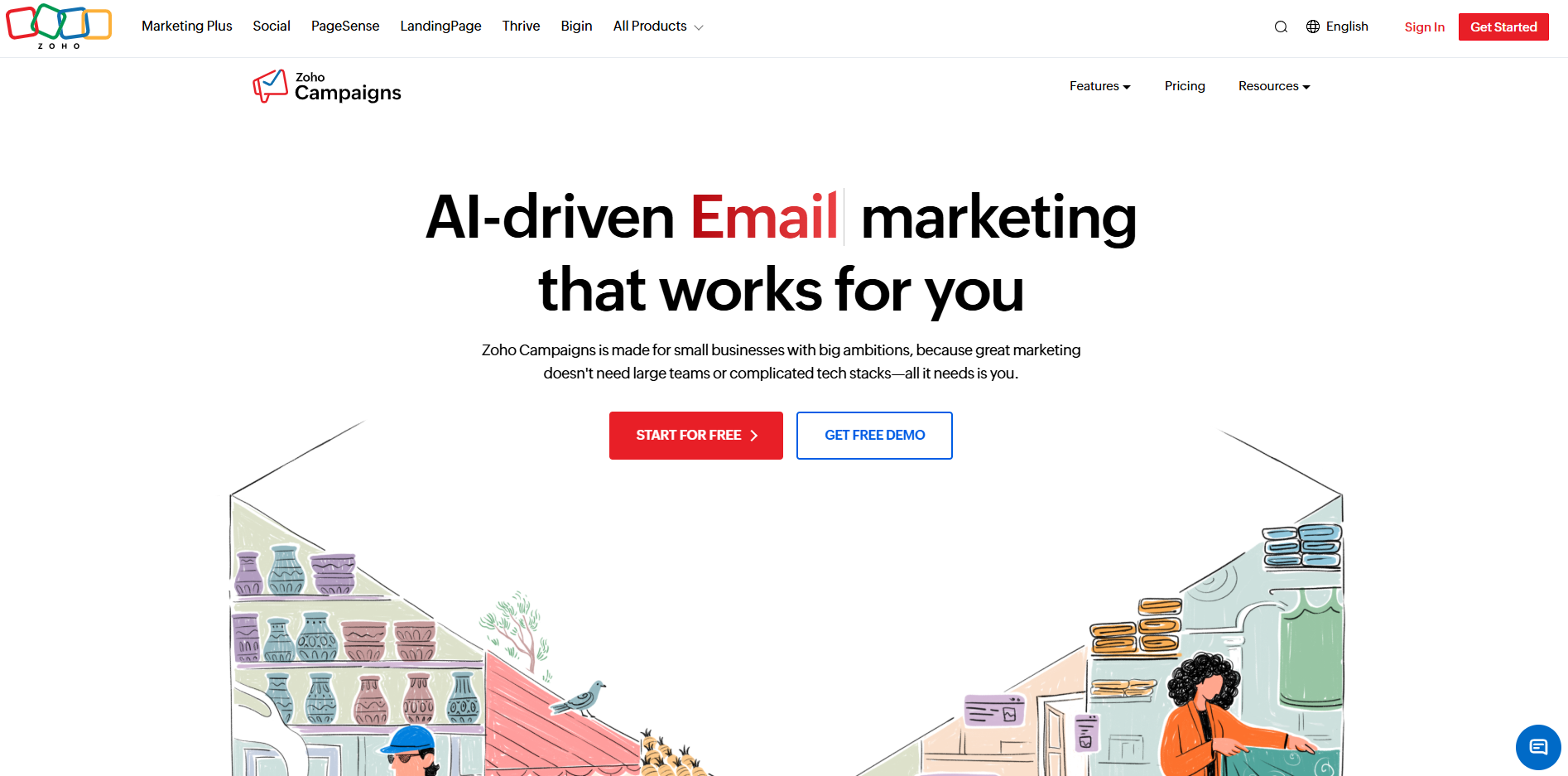
Free plan: 2,000 contacts and 6,000 emails a month.
Best for: teams already running Zoho CRM or Zoho Books who want email in the same family.
What you get free: the campaign builder, basic reporting, email support, and up to five users, which is unusual on a free plan.
Limits to know: no automation, no segmentation, no custom signup forms, and no A/B testing on the free plan. It is a sending tool, not a marketing tool, until you pay.
8. HubSpot
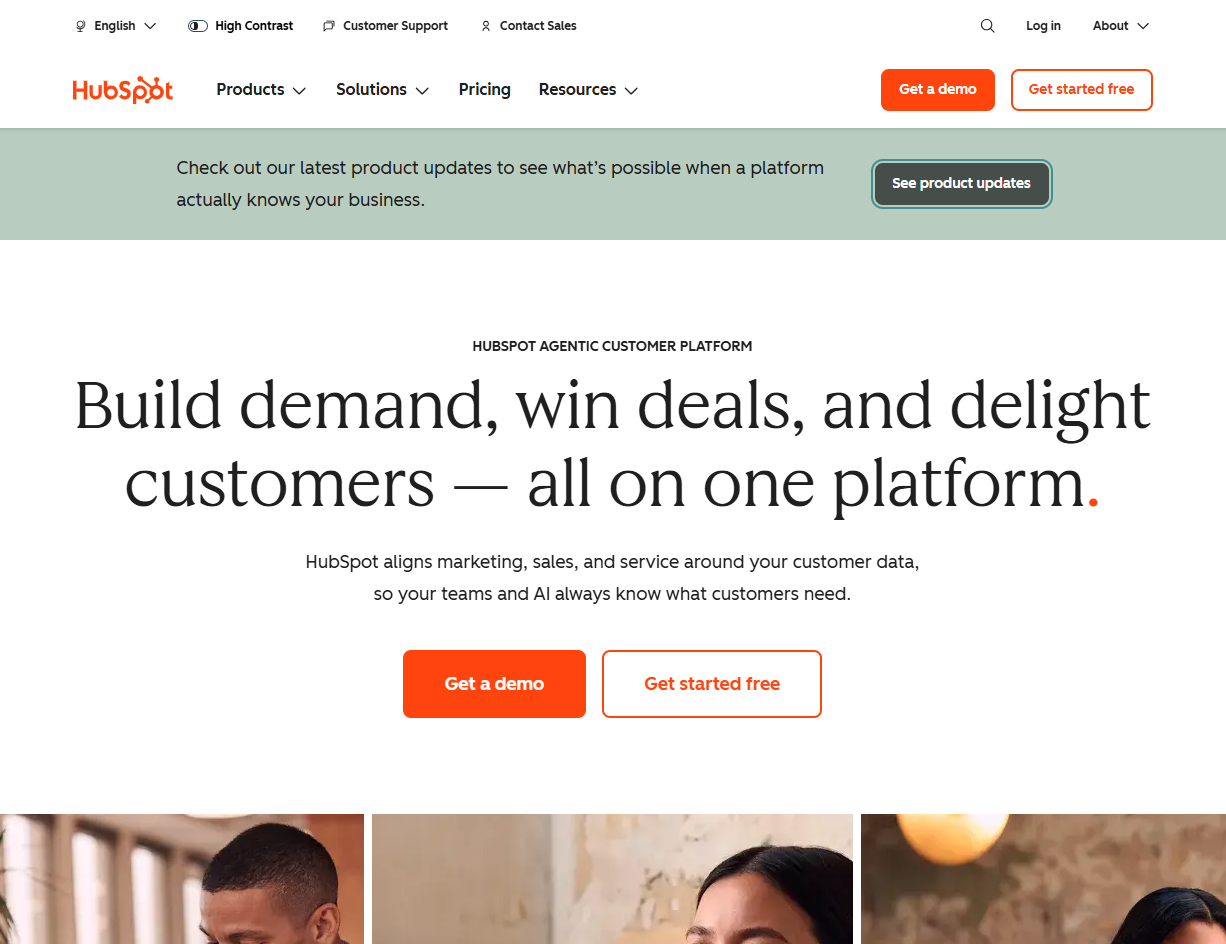
Free plan: 2,000 email sends a month, with no hard contact cap because the CRM is free too.
Best for: teams that already live in HubSpot’s CRM and want to send from it.
What you get free: the email tool inside the CRM, forms, a shared inbox, and access to HubSpot Academy and the community.
Limits to know: HubSpot branding on every email, one automated action, and no direct support on the free plan. The email tool is the entry point to a much bigger and much pricier platform, so know that going in.
9. Mailchimp
Free plan: 250 contacts and 500 emails a month, capped at 250 a day.
Best for: people who want the name they already recognize and have a very small list.
What you get free: the editor, templates, one audience, one user seat, and email support for your first 30 days.
Limits to know: the free plan has been cut more than once and is now the smallest on this list. No automation flows, Mailchimp branding stays on, and support ends after a month.
10. Omnisend
Free plan: 250 contacts and 500 emails a month.
Best for: small Shopify or WooCommerce stores that want abandoned cart and welcome flows without paying yet.
What you get free: every platform feature, including automation, segmentation, forms, 500 web push notifications a month, and 24/7 live chat and email support.
Limits to know: 250 contacts run out fast for a store, and a “Powered by Omnisend” badge shows on emails and forms.
The best free email marketing tool by use case
Best for getting your first campaign out today: Benchmark Email. Drag, drop, send. Real humans on chat if you get stuck. 500 contacts and 1,000 sends free.
Best for the biggest free send volume: Sender. 15,000 emails a month to 2,500 subscribers, with automation. You live with the branding.
Best for automation on a free plan: Sender or Omnisend. Both include multi-step workflows for free. Sender if you want volume, Omnisend if you run a store.
Best for creators and paid newsletters: Kit. 10,000 subscribers and unlimited broadcasts, built for people who sell what they write.
Best for a small online store: Omnisend. Abandoned cart and welcome flows on the free plan, built for Shopify and WooCommerce. If your store’s list is bigger than 250 people and you mostly send promotions rather than automated flows, Benchmark’s 500-contact cap and 2,500 sends go further.
Best if you already use a CRM: HubSpot or Zoho Campaigns. Neither free email tool is great on its own, but both are convenient if your contacts already live there.
Best for sending a bulk email or email blast free: any tool above will do it, and none of them will let you upload a purchased list. If your “blast” is to 500 people or fewer, Benchmark sends it in one go with no daily cap. If it’s to 2,500 people, use Sender or EmailOctopus.
Whatever you pick, do not send it from Gmail or Outlook. More on that in the FAQ.
How to choose a free email marketing tool
Five checks, in the order they usually matter.
Check the contact cap against your list, then the send cap against your schedule. A weekly newsletter to 200 people is 800 sends a month with a little slack. Benchmark’s 1,000 covers it. Mailchimp’s 500 does not.
Expect the vendor’s logo in your footer. Every free plan in the table includes it, Benchmark included. It is the standard trade-off for a free plan, and it disappears the moment you move to paid. Everything else varies, so compare tools by features, caps, and support rather than the badge.
Check that you can authenticate your sending domain. Since 2024, Gmail and Yahoo require bulk senders to set up SPF, DKIM, and DMARC records, or they route your mail to spam. A free plan that won’t let you connect your own domain will hurt you at the one thing email needs to do: arrive. Benchmark walks you through this during setup.
Check what support you get before you need it. Free plans often mean forums, or email that expires after 30 days. If you are new to email marketing, the difference between a chat answer in two minutes and a forum answer in two days is the difference between sending on Tuesday and giving up on Thursday.
Check the price of the first paid plan. You will outgrow free if things go well. Look at what 1,000 contacts costs and whether the features you used on free come with you. On Benchmark, they do, at $12/month, and Pro adds List Verification on top.
What free plans usually limit
Contacts and sends are the obvious ones. The less obvious ones are automation (often removed entirely, or limited to a couple of steps), support (forums, or a 30-day clock), reporting history (EmailOctopus keeps 30 days), users (usually one seat), and branding (the vendor’s logo in your emails and on your forms).
Read the fine print on the feature you care about most. If you want a welcome series, make sure automation is on the free plan. If you want two people in the account, make sure there are two seats.
When to upgrade
Upgrade when you hit the contact or send cap, when you want the vendor’s logo out of your footer, or when the feature you need is only on paid.
Start free, send for a month or two, and let your own numbers tell you. A good tool will warn you before you hit a limit and won’t move you to a paid plan on its own. Benchmark’s Pro plan starts at $12/month for 500 contacts. Everything from the free plan comes with you, and you pick up List Verification, which flags bounced, fake, and risky addresses before you send to them. Fewer bounces, better inbox placement.
What a small business gets out of it
Peter Tilton runs Defiant Lobster Company, an online seafood business. When his old email platform shut down, he moved to Benchmark Email to announce sales and reach customers, and he reports an average open rate around 50%. His review of it is short: “It is effective and reasonably priced; try Benchmark.”
Noel Wright, who runs Wright Wellness, put it another way: “I needed something that didn’t require a master’s degree to use.”
That is the point of a free plan. You can tell in an afternoon whether the tool fits, using your own list.
Free email marketing FAQ
Is there a free email marketing platform? Yes, and there are ten of them above. Each has a free plan with no time limit. The trade-off is a cap on contacts or sends, and the vendor’s logo in your emails.
Is email marketing free? It can be. The tools are free up to a limit, and email itself has no per-message cost the way ads do. Your cost is the time to write and design, which a good editor and templates keep to minutes.
How do I do email marketing for free? Pick a tool from the table, sign up, connect your domain, add a signup form to your site, import the contacts who have agreed to hear from you, and send your first campaign from a template. On Benchmark, most people send their first campaign in under 30 minutes.
What is the best free email marketing service for a small business? For most small businesses, Benchmark Email, because the email editor, simple AI text and image generation, templates, forms, segments, and reporting are all on the free plan, and so is 24/7 support from real humans. If you need automated workflows on a free plan, choose Sender or Omnisend. If your one need is maximum send volume, Sender. If you are a creator, Kit.
Do free plans expire? Not the ones on this list. They cap what you can do each month, but they do not shut off after 14 days. Watch for tools that advertise a “free trial” instead of a “free plan.” Those do expire.
Can I just send a bulk email from Gmail or Outlook? Please don’t. BCC exposes everyone’s address if you slip, Gmail and Outlook throttle or suspend accounts that send in bulk, and there is no unsubscribe link, which puts you on the wrong side of CAN-SPAM. A free email marketing tool handles all of that for you.
Start email marketing free with Benchmark Email
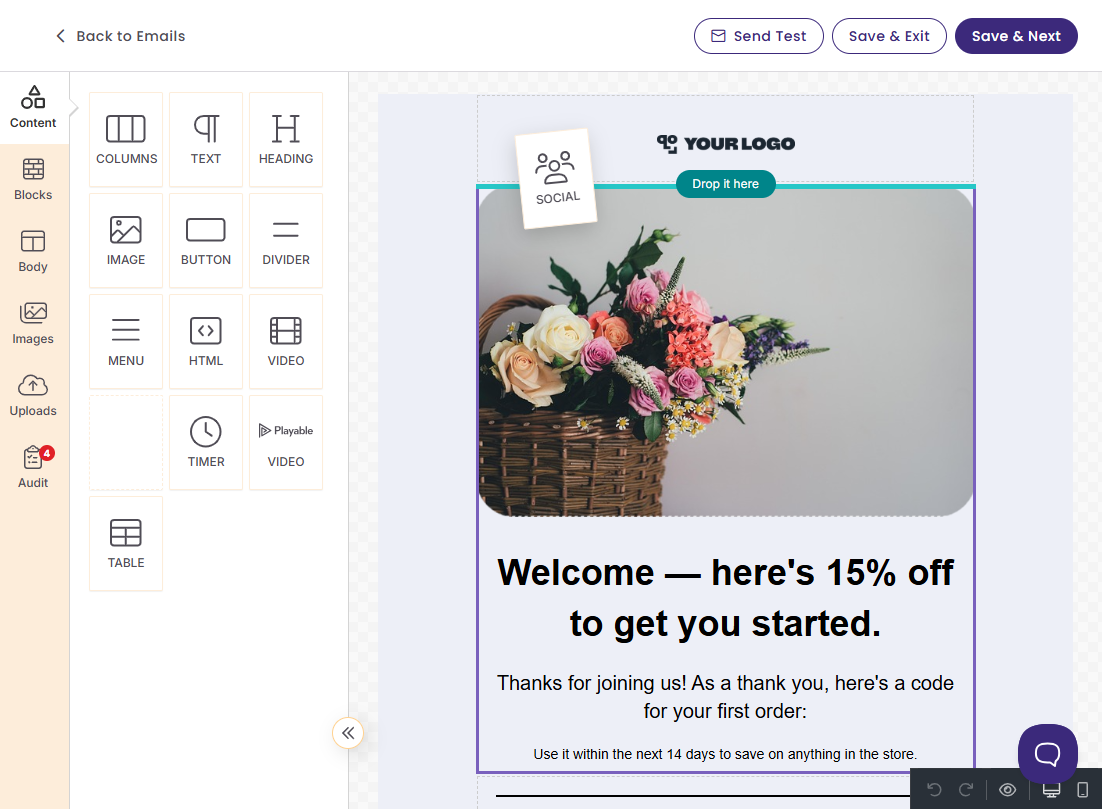
Free plans vary a lot in what they leave out. If you want the full tool, not just a preview, Benchmark’s free plan gives you the editor with built-in AI, templates, forms, segments, and real-time reports, plus 500 contacts, 1,000 sends a month, and real humans on chat around the clock.
Build it fast. Drag-and-drop editor, update & send templates, and get AI help with writing and images. No HTML needed, no expertise required.
Keep your list in order. Import your contacts, tag them, split them into segments, and let signup forms and unsubscribe links manage themselves.
See what worked. Real-time reports on opens, clicks, and which links people cared about, starting with your first send.
Do I need a credit card to start? No.
Are templates included on the free plan? Yes. All templates are included in the free plan.
Is support included on the free plan? Yes. 24/7 live chat and email, staffed by real people who do email marketing for a living.
Is there a setup fee? No. The free plan is free, and Pro starts at $12/month for 500 contacts with nothing added on.
What do I get on Pro that I don’t get free? More contacts, more sends, no footer badge, and List Verification, which cleans dead and risky addresses out of your list before you send.
How fast can I send my first campaign? Most people send within 30 minutes of signing up.
Meet the author: Natalie Slyman, Content Marketing Manager at Benchmark Email. Natalie has over 7 years of experience educating marketers on email marketing best practices through content and webinars.
About the Author:

Content Marketing Manager | Content marketing, inbound funnel, social media, email nurture | Natalie Slyman is an experienced Content Marketing Manager at Benchmark Email with a strong B2B background and a knack for crafting pillar content that boosts SEO and brand authority. She regularly shares actionable insights—from remote-work strategies to AI-powered content workflows—via blog posts and webinars tailored for busy marketers.